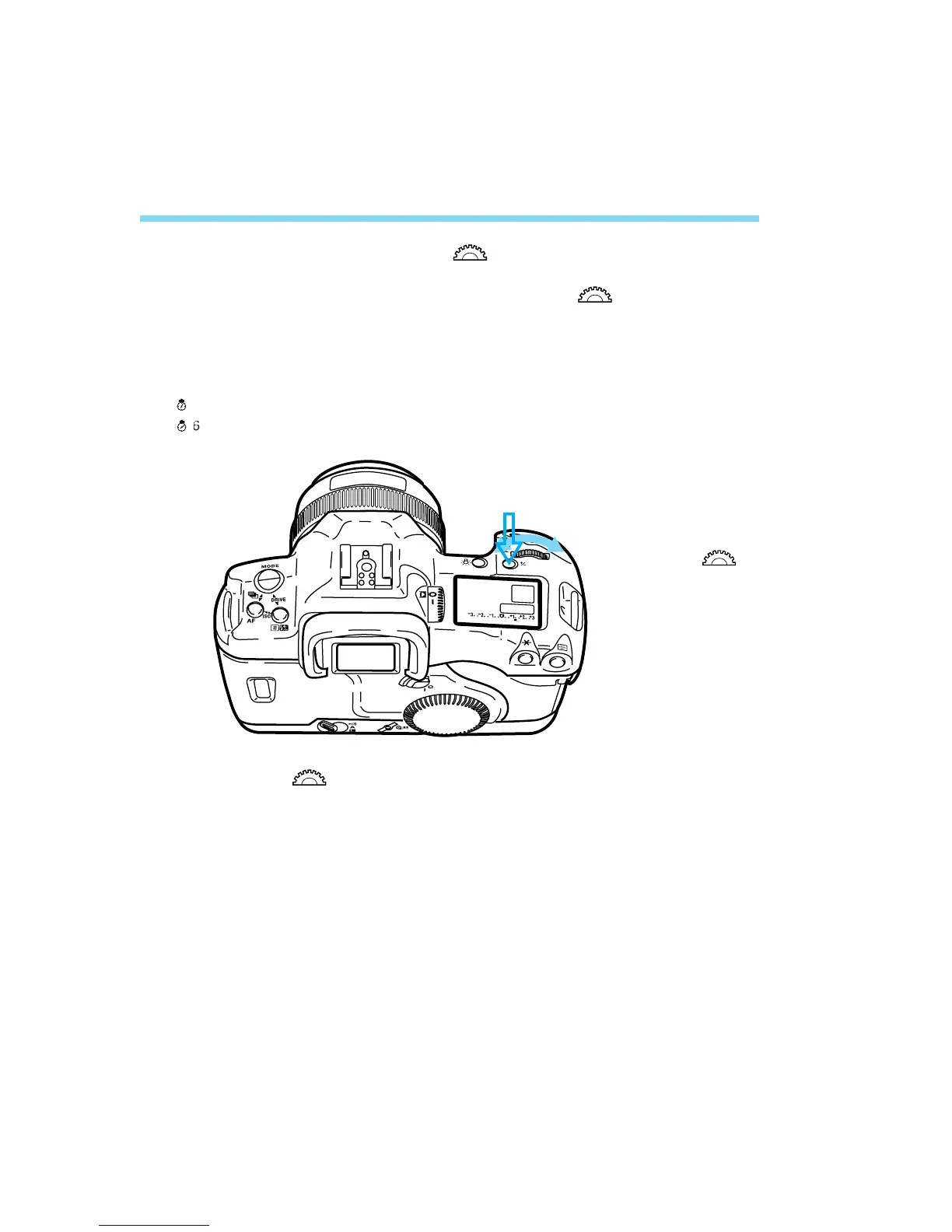
2. After pressing a button, turn the < > dial.
When a button is pressed, its function turns on for 6 or 16 seconds.
You then look at the LCD panel and turn the < > dial during this
time. After the function turns off or when the shutter button is pressed
halfway again, the camera will be ready to take a picture.
Buttons which turn on for 6 or 16 seconds are indicated in these
Instructions with the following icons:
( ): The button’s function remains active for 6 seconds after the button is released.
( ): The button’s function remains active for 16 seconds after the button is released.
3. Just turn the < > dial.
While looking at the LCD panel, you can set the shutter speed,
aperture, or another setting.



 To Next Page