Shutter Speed-Priority AE (Tv): You Set the Shutter Speed
Release your finger from the
<> button.
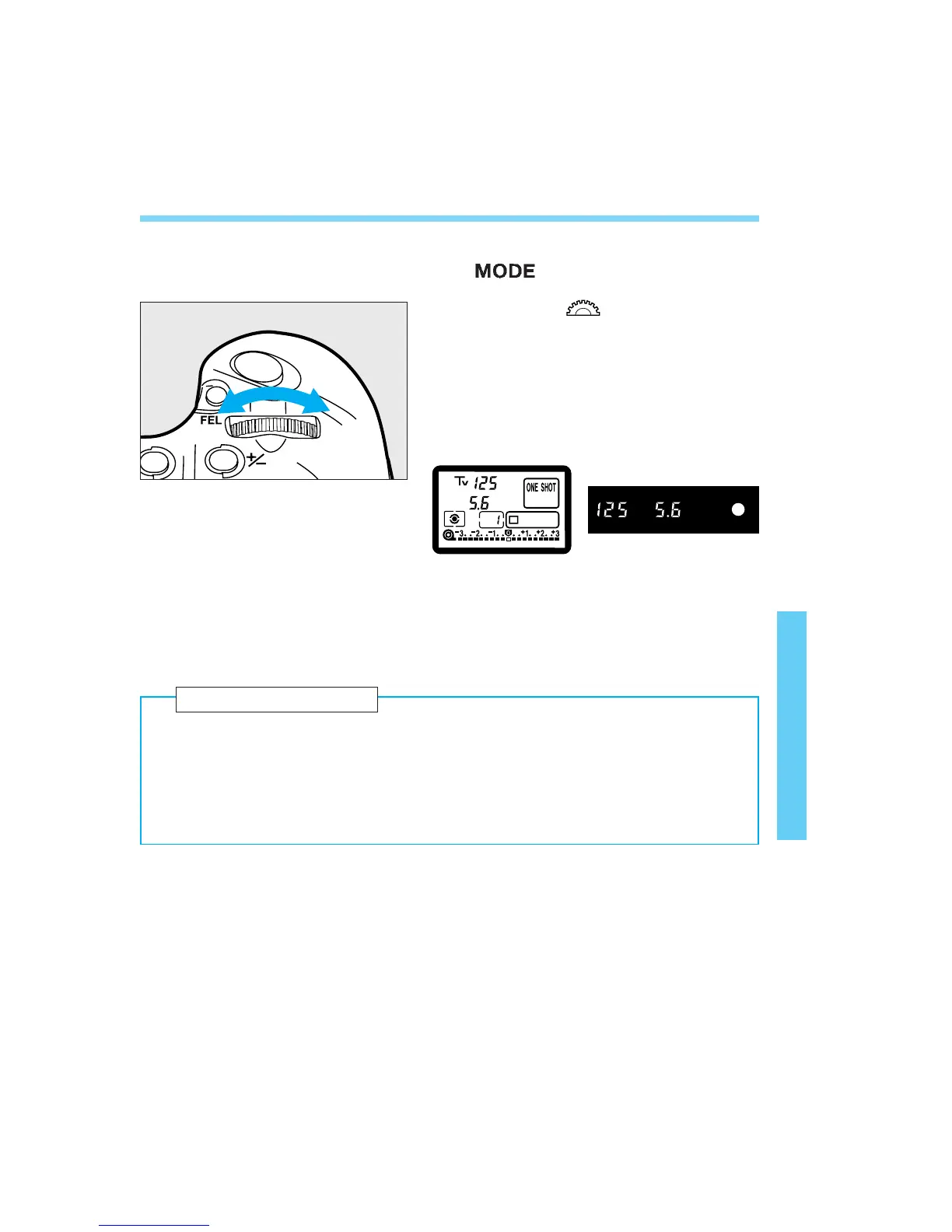
Turn the < > dial to set the
desired shutter speed.
Press the shutter button halfway
and focus the subject.
• The shutter speed and aperture will be
displayed.
Check the aperture and take the
picture.
• As long as the aperture is not blinking, a
standard exposure will be obtained.
63
2
3
4
5
● Shutter speed
The shutter speed is the length of time the camera’s shutter opens to
expose the film to the light coming through the lens. The shutter speed
displayed on the camera’s LCD panel and in the viewfinder ranges from
30 sec. to 1/8000 sec. and bulb.
Basic Terminology 2
06. C836-E (61~) 28-01-2003 11:48 Pagina 63



 To Next Page