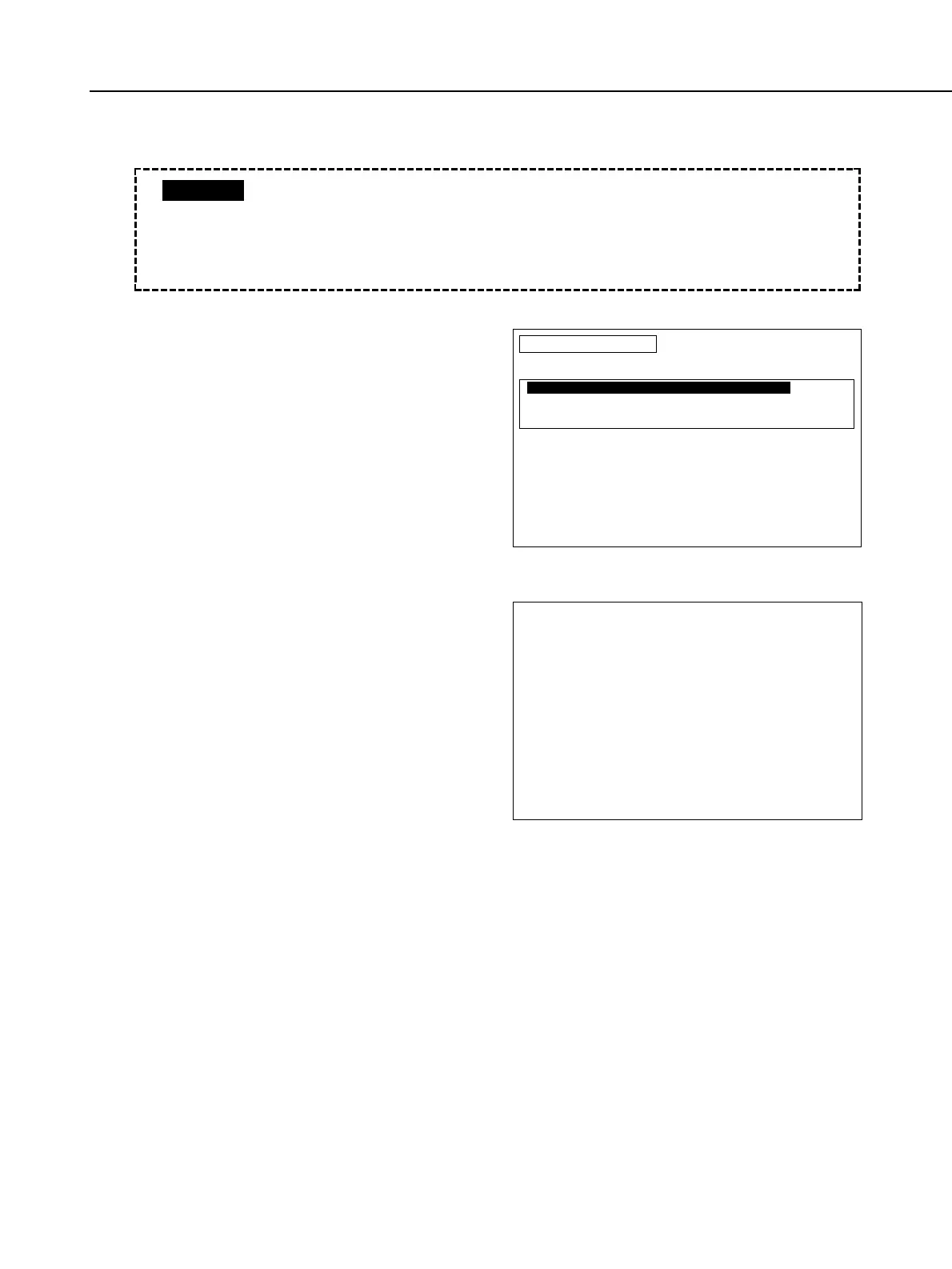
• Initialization
1) When you select Initialization, the
screen on the right appears. Select
the item to suit the camera you are
using or the Main Flex Unit.
2) When you select the main board, the
adjustment software ask you if it is
OK to execute initialization.
To execute initialization, press the
RETURN key. To cancel initialization,
press the space bar.
Part 4: Electrical Adjustment
4-43
INIT
ATTENTION
Do you wish to INITIALIZE ?
<ALL CAMERA DATA WILL BE INITIALIZED>
To initialize, press RETURN.
Press SPACE bar to return to
DATA TRANSFER MENU screen.
• The Main Flex Unit for servicing is not written with the initialization data.
Therefore, before doing the adjustment, be sure to execute the
initialization.
• The initialization data differs depending on whether there is Eye Control.
• The exposure program will be written according to the Standard (0).
CAUTION
INITMENU
Select with cursor keys and press RETURN.
To return to Main Menu, press space bar.
F1
F2
EOS 7,ELAN 7,EOS 7E(DATE),30(DATE)
(with ECF)
EOS7(DATE),33(DATE)
(without ECF)
Initialization Menu



 To Next Page