• Data Storage
Like initialization, you can select all data, AF data or settings when storing data.
Tip: Before you start repair, note down the camera’s current settings. This will make it
easier to return the settings to the user settings after repair
1) In the Data Storage menu, select the
data to save with the up and down
cursor keys, and press the RETURN
key.
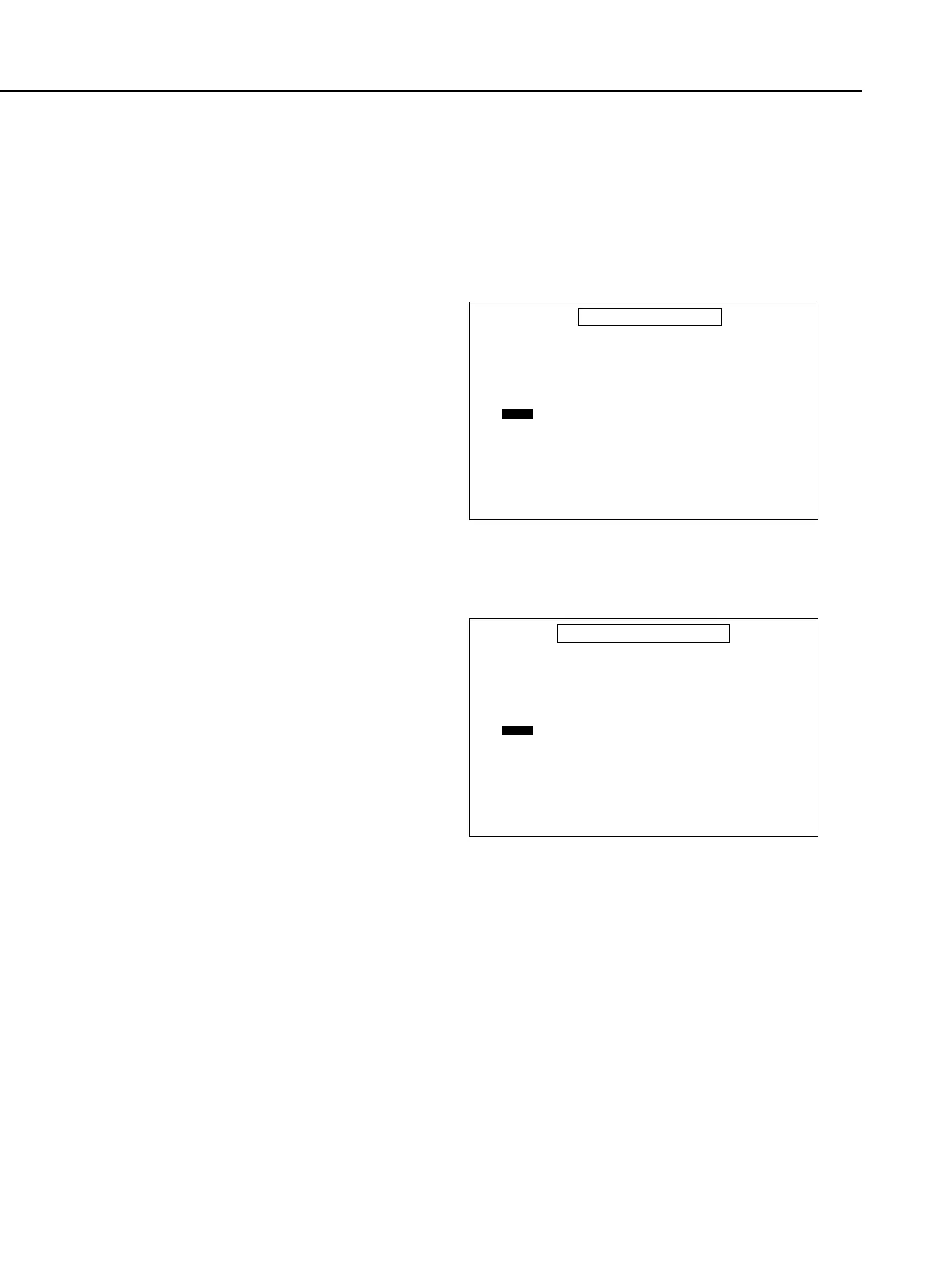
2) The screen on the right appears.
Select the file with the up and down
cursor keys, and press the RETURN
key. You can now enter a comment.
3) Enter the comment and press the
RETURN key. This stores the camera
data.
• Data Transfer
1) In the Data Storage menu, select the
data to transfer with the up and
down cursor keys, and press the
RETURN key.
2) The screen on the right appears.
Select the file with the up and down
cursor keys, and press the RETURN
key to transfer the camera data.
Part 4: Electrical Adjustment
4-44
DATC_T
Select file number with cursor key and press RETURN.
Type a comment (if needed), press RETURN again.
DATA STORAGE
Camera --> Disk
Press SPACE bar to return to
DATA TRANSFER MENU screen.
FILES
1
2
3
4
5
DATT_C
Select file number with cursor key and press RETURN.
Type a comment (if needed), and press RETURN again.
DATA TRANSFER (except AF)
Disk --> Camera
Press SPACE bar to return to
DATA TRANSFER MENU screen.
FILES
1
2
3
4
5



 To Next Page