Sending Faxes
4-14
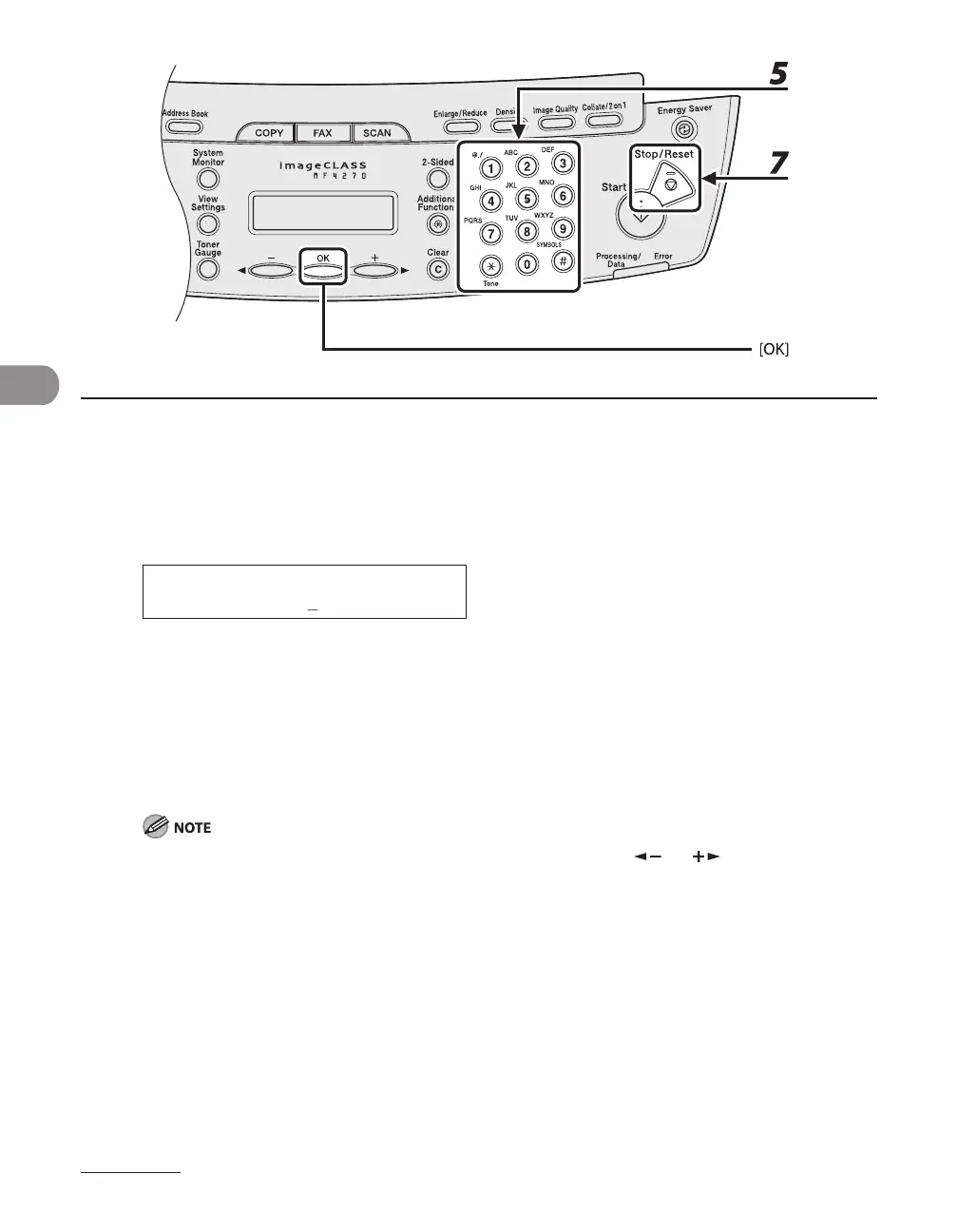
5 Enter the group name (max. 20 letters, including spaces) with the numeric keys,
then press [OK].
To register another group, repeat the procedure from step 4.
N A M E [ A ]
C a n o n G r o u p
Ex.
6 Select the recipients you want to register in the group (max. 50 recipients) until
all recipients are registered, then press [OK].
To enter a recipient stored under a one-touch speed dialing key, press the desired one-touch speed
dialing key.
To enter a recipient stored under a coded speed dialing code, press [Coded Dial], then enter the two-
digit code with the numeric keys. For multiple entries, press [Coded Dial] between each entry.
You can review the recipients which have been already entered with [ ] or [ ].
7 Press [Stop/Reset] to return to the standby mode.












 To Next Page