7-3
Using the Scan Functions
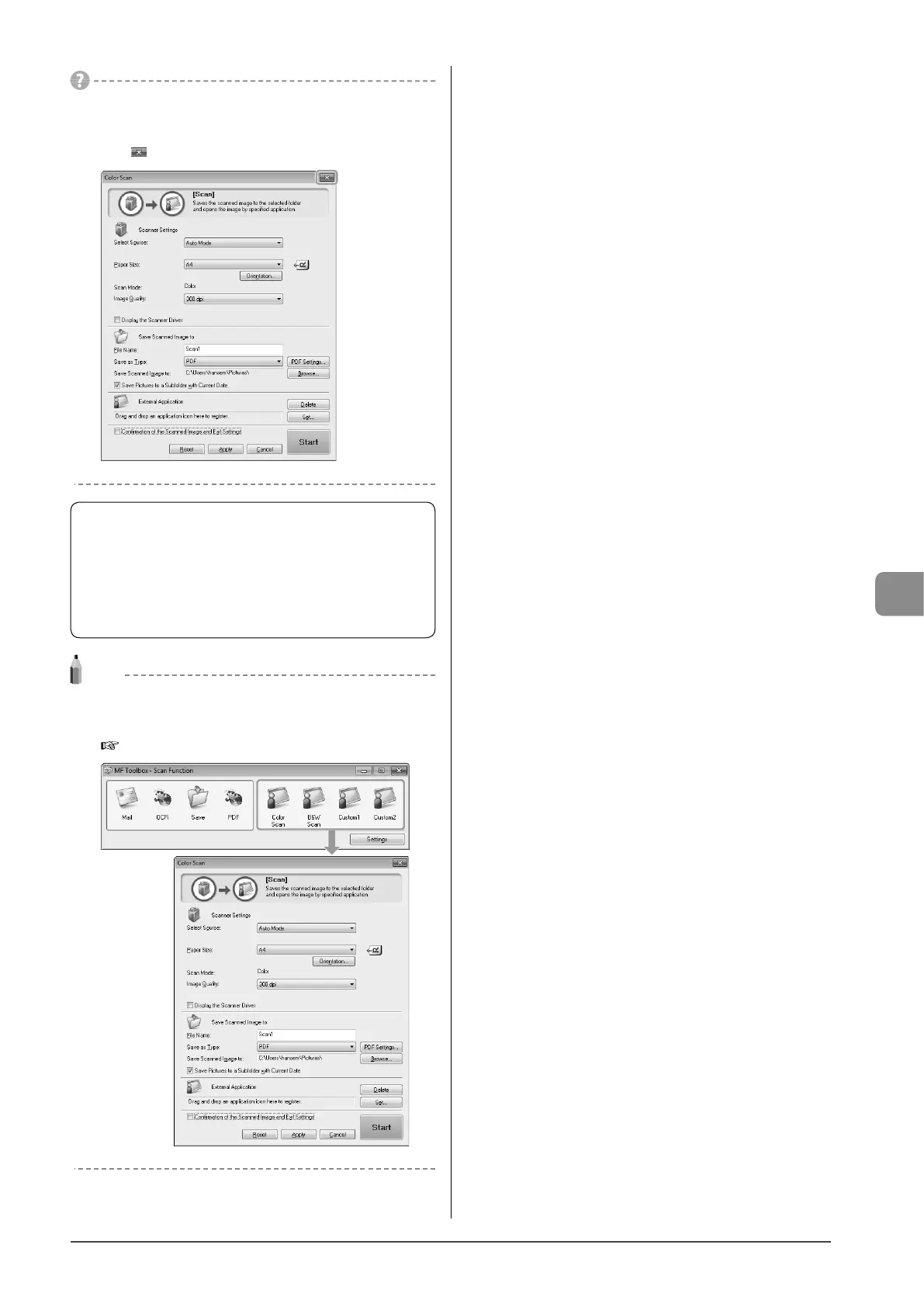
If you cannot scan
You cannot scan when the setting screen of the MF Toolbox is
displayed.
Click [ ] to close the setting screen before scanning.
The location to save the scanned images
The folder where the images are saved opens automatically
after scanning.
By default, the folder for the date when you scanned the
data is created in the [Pictures] folder. (For Windows 2000/
XP, the folder is created in the [My Pictures] folder in [My
Documents].)
Note
To change the scanner settings
You can change the settings for the location to save, the file format,
or the resolution from a computer.
e-Manual → Scan → Using the MF Toolbox










 To Next Page