1-11
Before Using the Machine
Setting the Sleep Timer
The entry is applied. The machine returns to sleep mode
automatically when it is idle for a specified length of time.
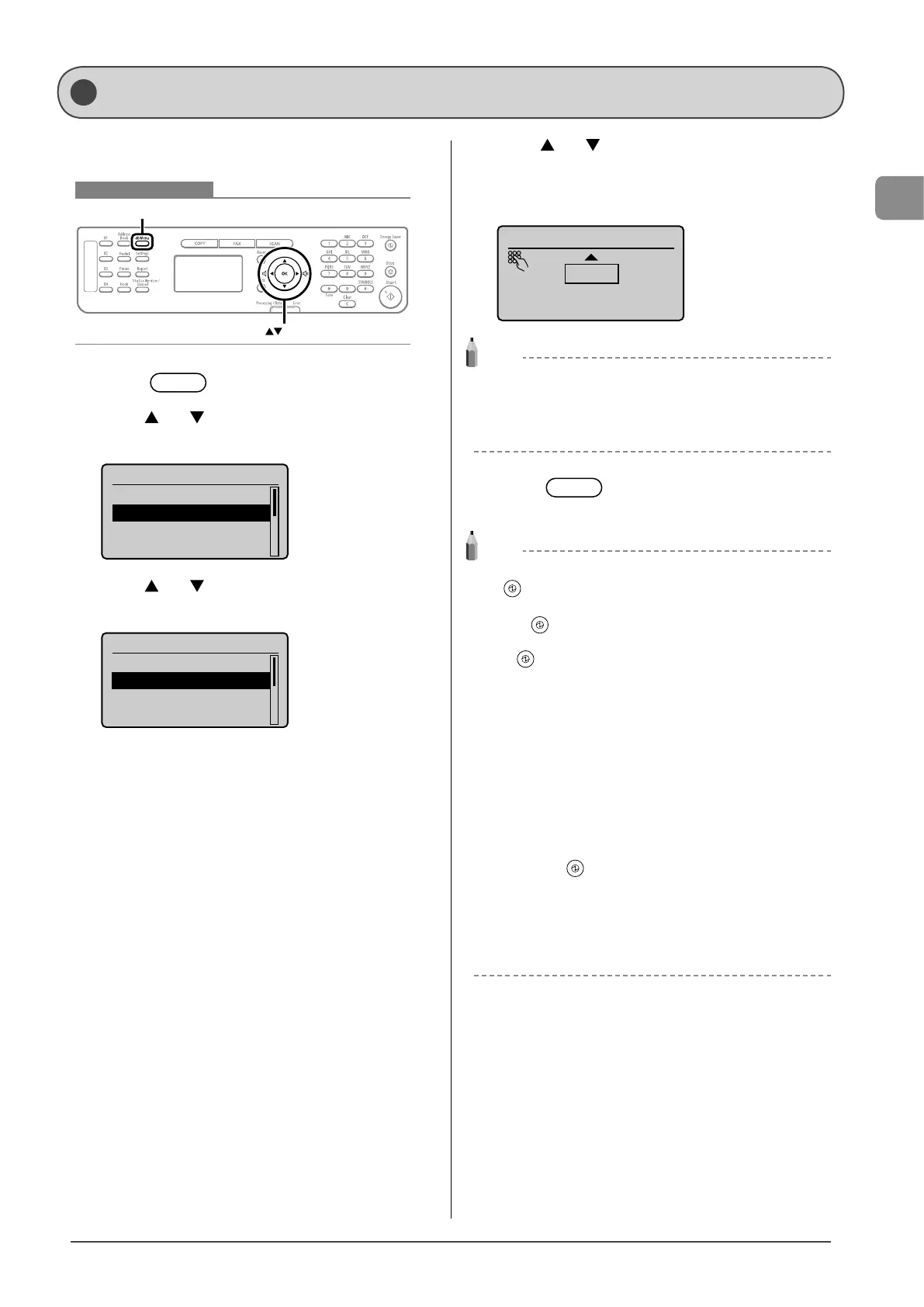
Keys to be used for this operation
Menu
OK
1 Press [ ] (Menu).
2 Press [ ] or [ ] to select <Timer Settings>, and
then press [OK].
Menu
Preferences
Timer Settings
Copy Settings
Fax TX Settings
3 Press [ ] or [ ] to select <Sleep Timer>, and
then press [OK].
Timer Settings
Time & Date Settings
Sleep Timer
Auto Reset Timer
Screen After Auto R
...
4 Press [ ] or [ ] to specify the time, and then
press [OK].
You can also enter values using the numeric keys.
* We recommend that you use this option in the default setting.
Sleep Timer
10 minutes
(10-240)
NOTE
Specifying the auto sleep timer
You may specify the auto sleep timer between <10> minutes and
<240> minutes, in one minute interval. The default value for this
setting is <10> minutes.
5 Press [ ] (Menu) to close the menu
screen.
NOTE
When entering sleep mode
[ ] (Energy Saver) will be lit green.
To enter sleep mode manually
Press [ ] (Energy Saver).
* The machine does not enter the sleep mode, if you press
[ ] (Energy Saver) in 10 seconds after the machine resumes
from the sleep mode.
The machine will not enter sleep mode when
• the machine is in operation
• the Processing/Data indicator is lit or blinking
• a message appears on the display and the Error indicator blinks
(except when <Prepare toner cartridge.> is displayed)
• the machine is performing adjustment or cleaning
• there is a paper jam
• the handset of the external telephone is off the hook
• documents are set in the feeder
The machine will wake from sleep mode when
• you press [ ] (Energy Saver)
• receiving a fax or phone call
• the external telephone is off the hook
• a print job from a computer begins
• documents are set in the feeder
• the machine is connected to a computer via a USB cable










 To Next Page