9-18
Troubleshooting
<Cause 1> The copy density is not properly set.
Solution
Adjust the <Density> or <Correct Density> lower from the operation panel.
“Adjusting the Density” (→P.3-4)
e-Manual → Copy → Adjusting the Density → Finely Adjusting the Density
<Cause 2> The machine is exposed to direct sunlight or strong light.
Solution
Move the machine.
e-Manual → Maintenance → Transporting the Machine
Copied Lines and Text Appear Faded
A
B
C
Perform the following procedure.
<Cause> <Original Type> is set to <Text/Photo (High Speed)> (default).
Solution
Set <Original Type> to <Text>, and then try to copy again.
“Selecting Image Quality (Copy)” (→P.3-4)
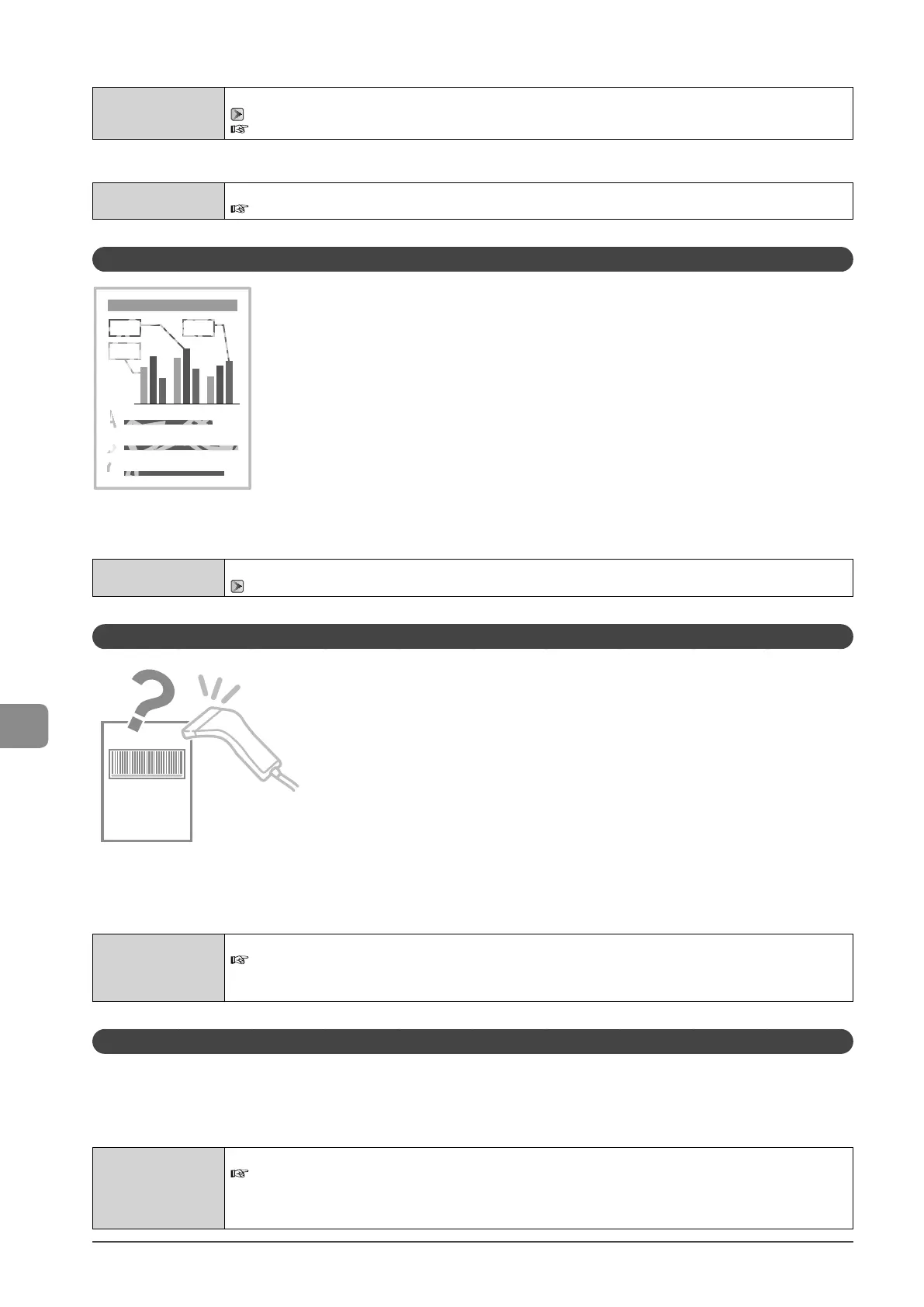
Printed Bar Codes Cannot Be Scanned
Perform the following procedure.
<Cause> When printing a bar code with the default printing preferences, the bar code may not be able to
be scanned.
Solution
Change the [Special Print Mode] setting to [Special Settings 1] from the print driver.
e-Manual → Maintenance → Special Mode
* When [Special Settings 1] is selected, printing density is lower than when [Off] is selected. Also, text or lines may be
less clear.
Paper Jams Occur Frequently When Performing 2-Sided Printing (MF4570dn Only)
Perform the following procedure.
<Cause> Depending on the paper type (especially for thin paper or curled paper), paper jams occur frequently when
performing 2-sided printing.
Solution
Change the <Special Mode I> settings from the operation panel.
e-Manual → Maintenance → Special Mode
* Maintain this setting <Off> in normal conditions. Change the setting only when the problems mentioned above
occur.
* If you use this mode when you are not using thin paper, images may become white.









 To Next Page