6-13
Using the Fax Functions
Detailed Settings for the Fax/Tel Auto
Switch Mode
Set the ringing time or the operations for the Fax/Tel Auto
Switch mode.
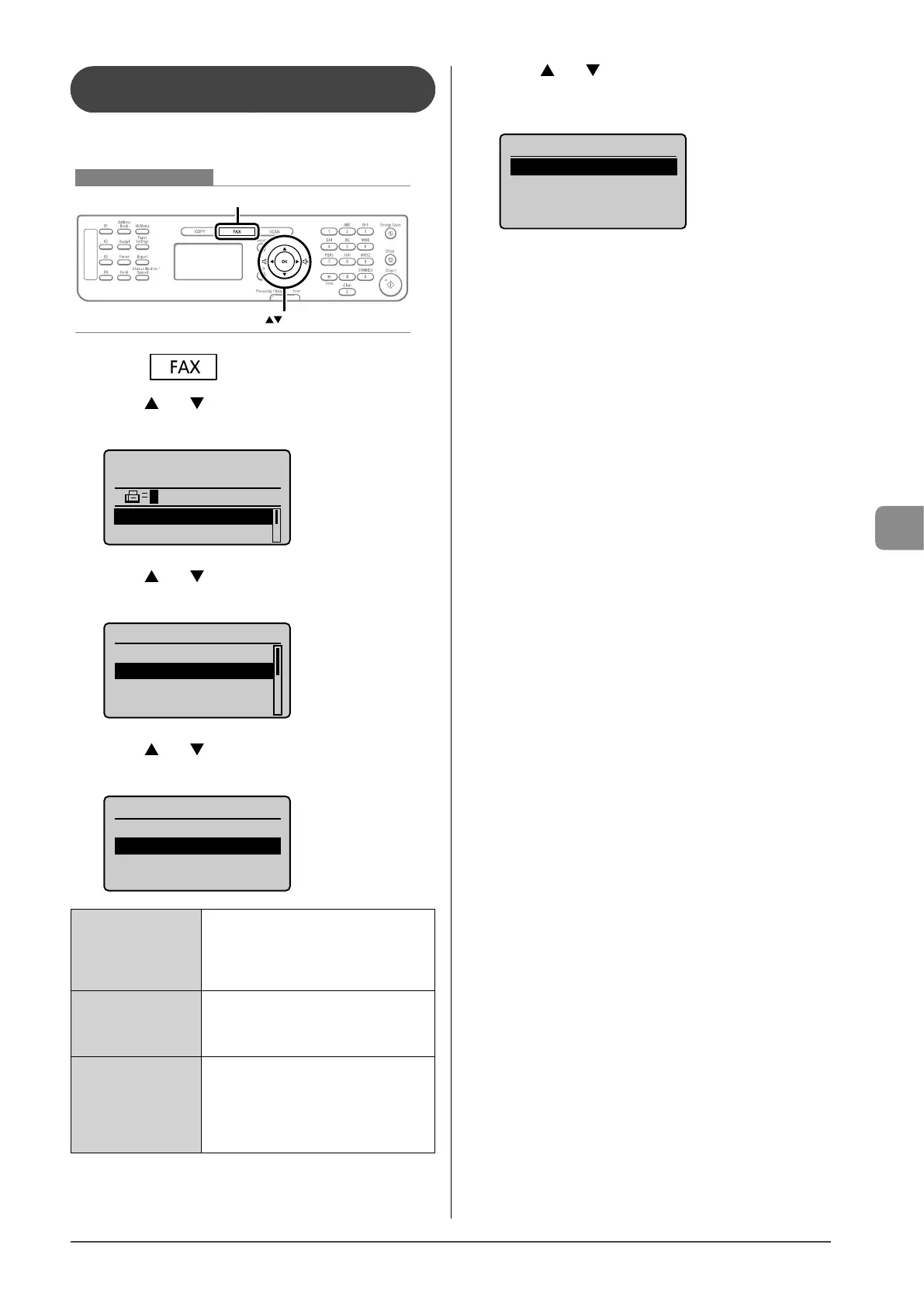
Keys to be used for this operation
OK
FAX
1 Press [ ].
2 Press [ ] or [ ] to select <RX Mode>, and then
press [OK].
Specify destination.
01/01/2011 12:52AM
RX Mode: Auto
Resolution: 200 x 1
...
3 Press [ ] or [ ] to select <Fax/Tel Auto Switch>,
and then press [OK].
RX Mode
Auto
Fax/Tel Auto Switch
Manual
Answer
4 Press [ ] or [ ] to select an item to be specified,
and then press [OK].
Fax/Tel Auto Switch
<Apply>
Ring Start Time: 6
Incoming Ring Time:
...
After Ring: RX
<Ring Start Time>
Specify how long the machine will attempt
to detect a fax tone before the handset
starts ringing. Specify a duration between
4 seconds and 30 seconds, and then press
[OK].
<Incoming Ring Time>
Set how long the handset will ring during
an incoming call. Specify a duration
between 15 seconds and 300 seconds, and
then press [OK].
<Action After Ring>
Specify how the machine should behave
when an incoming call is not answered.
Select <End> or <RX>, and then press
[OK].
- <End>: Disconnects the call.
- <RX>: Receives a fax.
5 Press [ ] or [ ] to select <Apply>, and then
press [OK].
The receive mode is changed.
Fax/Tel Auto Switch
<Apply>
Ring Start Time: 6
Incoming Ring Time:
...
After Ring: RX









 To Next Page