6-9
Using the Fax Functions
Sending to Multiple Destinations at a
Time (Sequential Broadcast)
You can send the same document to multiple destinations.
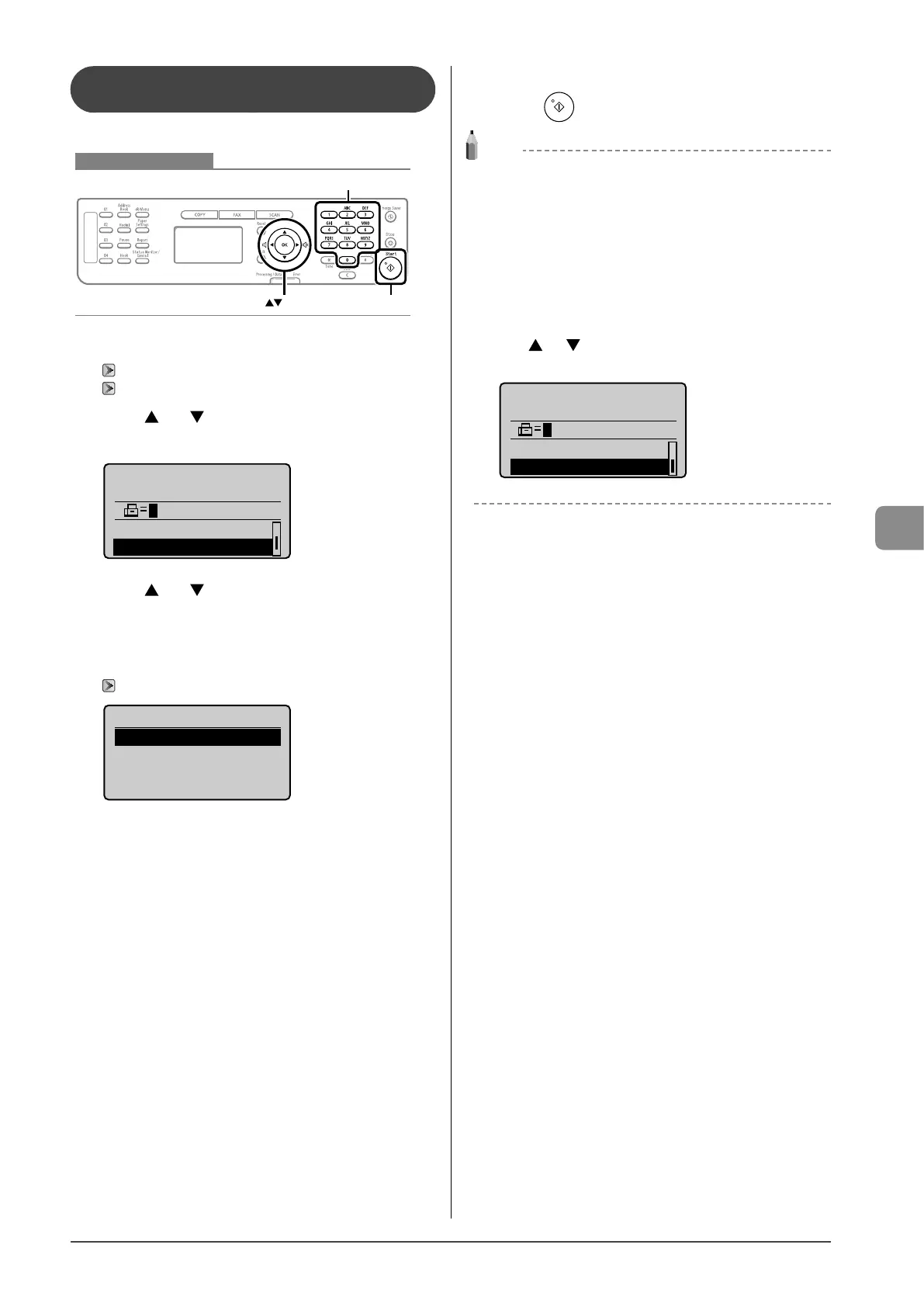
Keys to be used for this operation
OK
Numeric keys
Start
1 Place documents.
“Placing Documents” (→P.2-4)
“Document Requirements ” (→P.2-2)
2 Press [ ] or [ ] to select <Specify Destination>,
and then press [OK].
Specify destination.
01/01/2011 12:52AM
Sharpness: 0
Specify Destination
+
-
3 Press [ ] or [ ] to select a method for specifying
destinations, and then press [OK].
• Fax (New)
• Address Book
• Coded Dial
“Specifying Destinations” (→P.6-4)
Specify Destination
Fax (New)
Address Book
Coded Dial
4 Repeat Step 2 and 3 to enter all the destinations.
5 Press [ ] (Start).
NOTE
The number of destinations capable of sequential
broadcast
You can select destinations in the following combinations.
• Specifying destinations using numeric keys: Up to 10
destinations
• One-touch keys: Up to 4 destinations
• Coded dial codes: Up to 100 destinations
When specifying destinations using the numeric keys
Enter the numbers, and then press [OK].
When checking the specified destinations
Press [ ] or [ ] to select <Confirm/Edit Destination>, and then
press [OK].
Specify destination.
01/01/2011 12:52AM
Specify Destination
Confirm/Edit Destina










 To Next Page