6-14
Using the Fax Functions
When a fax is stored in memory, you can manually forward it to
a specified destination.
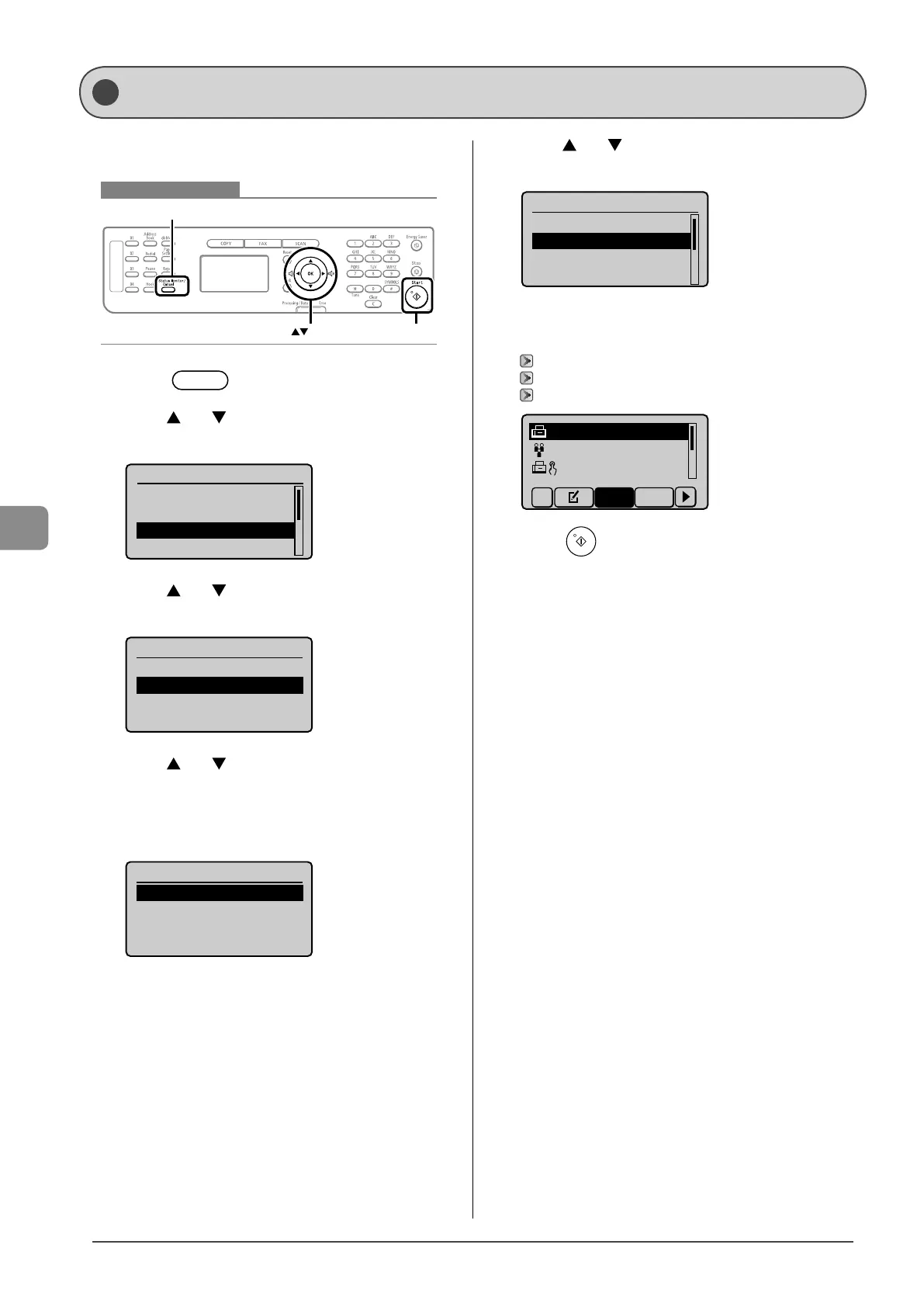
Keys to be used for this operation
OK
Start
Status Monitor/Cancel
1 Press [ ] (Status Monitor/Cancel).
2 Press [ ] or [ ] to select <Fax Job Status/
History>, and then press [OK].
Status Monitor/Cancel
Device Status
Copy Job Status
Fax Job Status/Histo
Print Job Status
3 Press [ ] or [ ] to select <RX Job Status>, and
then press [OK].
Fax Job Status/History
TX Job Status
RX Job Status
Job History
4 Press [ ] or [ ] to select a job that you want to
forward, and then press [OK].
You cannot forward received faxes during
- a receiving operation
- a normal printing operation after completion of receiving
Fax RX Job Status
12:52AM Receiving
12:54AM Waiting:RX
5
Press [ ] or [ ] to select <Forward>, and then
press [OK].
Details
<Delete>
<Forward>
Job Number: 0004
Status: Waiting to
...
6 Specify the forwarding destination.
You can specify the destination via one of the following methods.
“Specifying Destinations with the One-Touch Keys” (→P.6-4)
“Specifying Destinations Using Coded Dialing” (→P.6-4)
“Specifying Destinations Using the Address Book” (→P.6-5)
CANON 0123456789
GroupA 2 Destin
...
User01 01234567
...
All A-Z
7 Press [ ] (Start).
Forwarding Received Fax Documents in Memory to Other
Destinations (Manual Forwarding)









 To Next Page