6-6
Using the Fax Functions
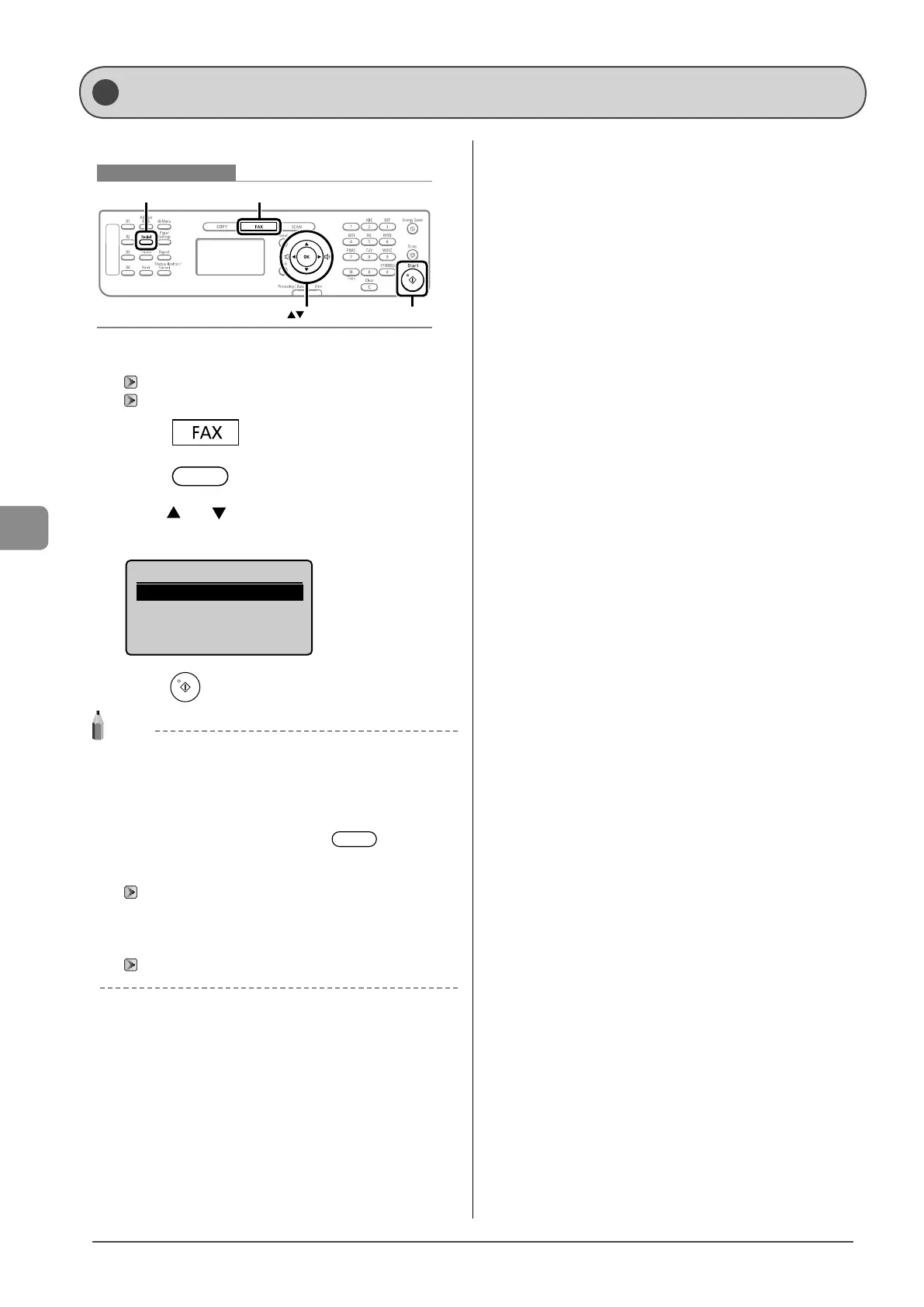
To redial a number, follow the procedures below.
Keys to be used for this operation
OK
FAX
Redial
Start
1 Place documents.
“Placing Documents” (→P.2-4)
“Document Requirements ” (→P.2-2)
2 Press [ ].
3 Press [ ] (Redial).
4 Press [ ] or [ ] to select a recipient, and then
press [OK].
Redial
012XXXXXX
5 Press [ ] (Start).
NOTE
Destinations that can be redialed
• A destination entered with the numeric keys
(You may not redial multiple destinations when entering
destinations with the numeric keys.)
• Up to the last three destinations
(Only the last destination when using [
] (Hook))
when sending from history is restricted
Redialing is not available.
“Restrict Sending From History” (→P.6-25)
When turning this machine OFF
Recently dialed numbers are cleared.
When sending by automatic redialing
“Auto Redial” (→P.6-21)
Redialing (Manual Redialing)










 To Next Page