One-touch keys
Coded dialing
Group dialing
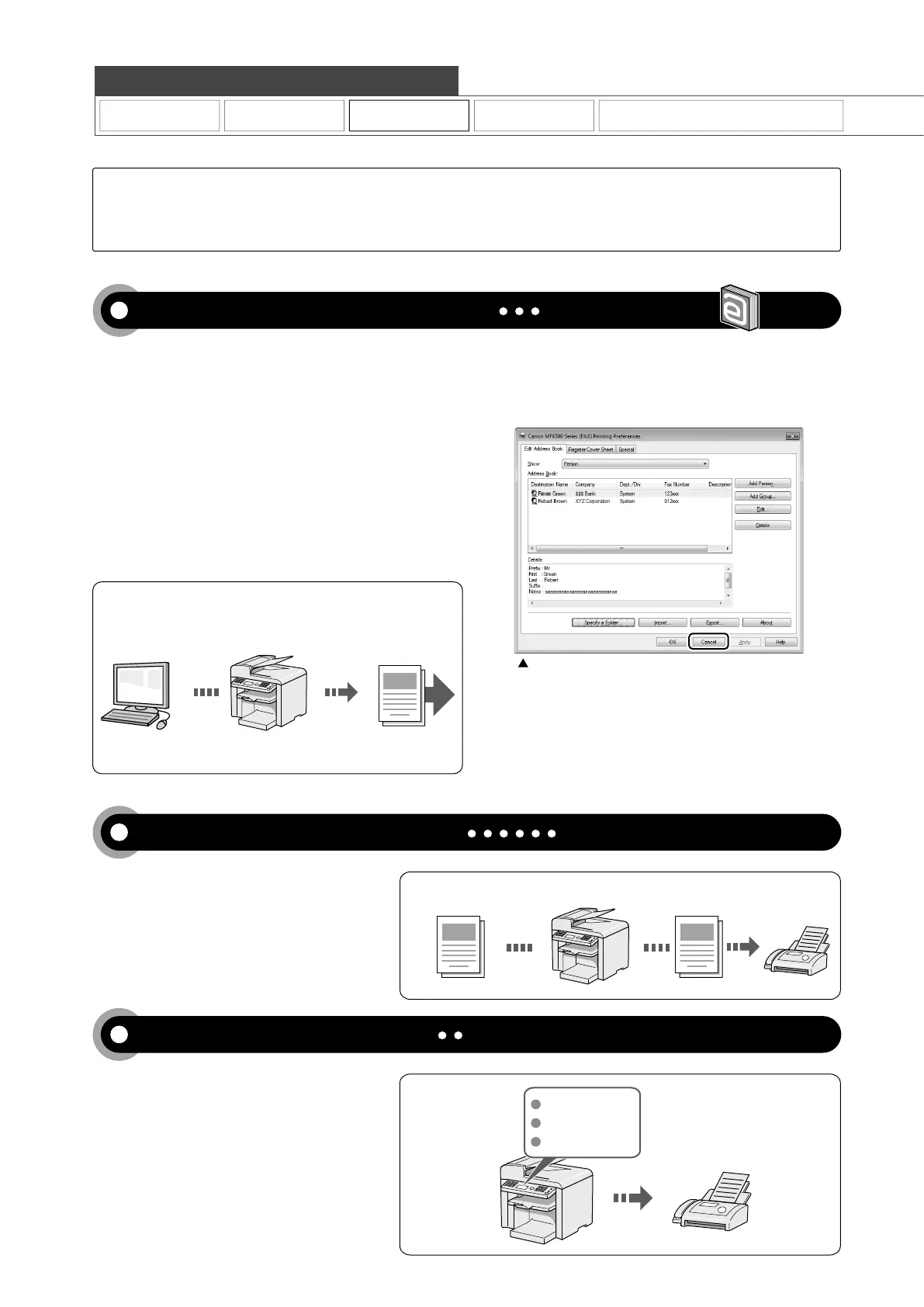
Fax driver screen
You can send a document or image created in an application
as a fax directly using the fax driver from a computer on a
network. Because you do not need to print the document, you
can reduce the paper cost as well as send a clear document
which has little dirt or blur.
You can import the address book using the fax driver,
enabling you to send a fax to a destination easily without
mistakes.
You can also create a cover sheet for when sending a fax.
You can forward received faxes stored in the
memory to a specified destination.
By registering destinations for sending faxes
beforehand, you can save many steps to enter
the destinations when sending the documents.
Copy Print Fax Scan
Quick View- Perform Useful Tasks
Network Settings & Remote UI
Sending a Document Directly from a Computer (PC Fax)
For details, see "Fax" in the e-Manual.
Forwarding the Received Fax (Manual Forwarding)
Registering Destinations in the Address Book
For details, see "Registering Destinations in the Address Book" from p. 5-1.
For details, see "Using the Fax Functions" from p. 6-1.
There are a variety of fax functions that are explained in later pages of this manual as well as in the e-Manual. The
machine is equipped with a Super G3 fax, with high transmission speeds as well as the PC function which can send
a document from a computer directly, which reduces paper costs.
Below is a quick overview of highlighted fax features that you can utilize in your everyday use.
Received Fax Forward
* You need to install the fax driver in a computer.
* If you are a Macintosh user, see the following.
To install the Fax Driver
ĺ
Starter Guide or Fax Driver Guide
To view how to use each function
ĺ
Fax Driver's Help
To view how to display the Fax Driver Guide or Fax Driver's Help,
VHH)RU0DFLQWRVK8VHUVĺ3
Send
Data is created
in a computer










 To Next Page