Sending Documents
4-18
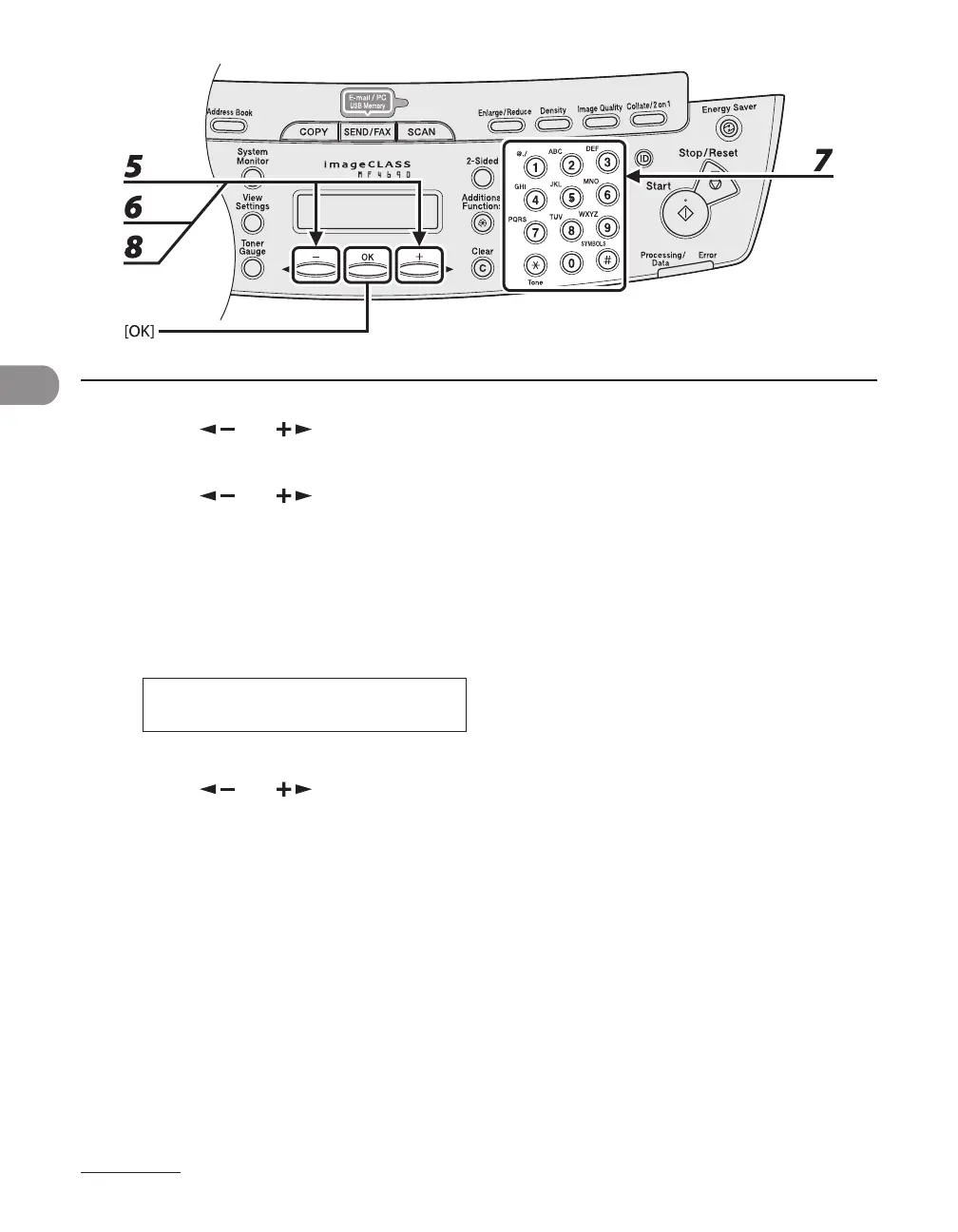
5 Press [ ] or [ ] to select <E-MAIL>, then press [OK].
6 Press [ ] or [ ] to select <E-MAIL ADDRESS>, then press [OK].
7 Enter the address you register (max. 120 digits) with the numeric keys, then
press [OK].
To register another one-touch key or coded dial code, repeat the procedure from step 4.
E - M A I L A D D R E S S : a
s a l e s @ X X X . c o m
Ex.
_
8 Press [ ] or [ ] to select <NAME>, then press [OK].










 To Next Page