10-23
Maintenance
Transporting the Machine
Follow this procedure to avoid
vibration damage to the machine when
transporting it over a long distance.
1 Turn off the main power switch.
2 Disconnect the power cord and
all the cables from the back of the
machine.
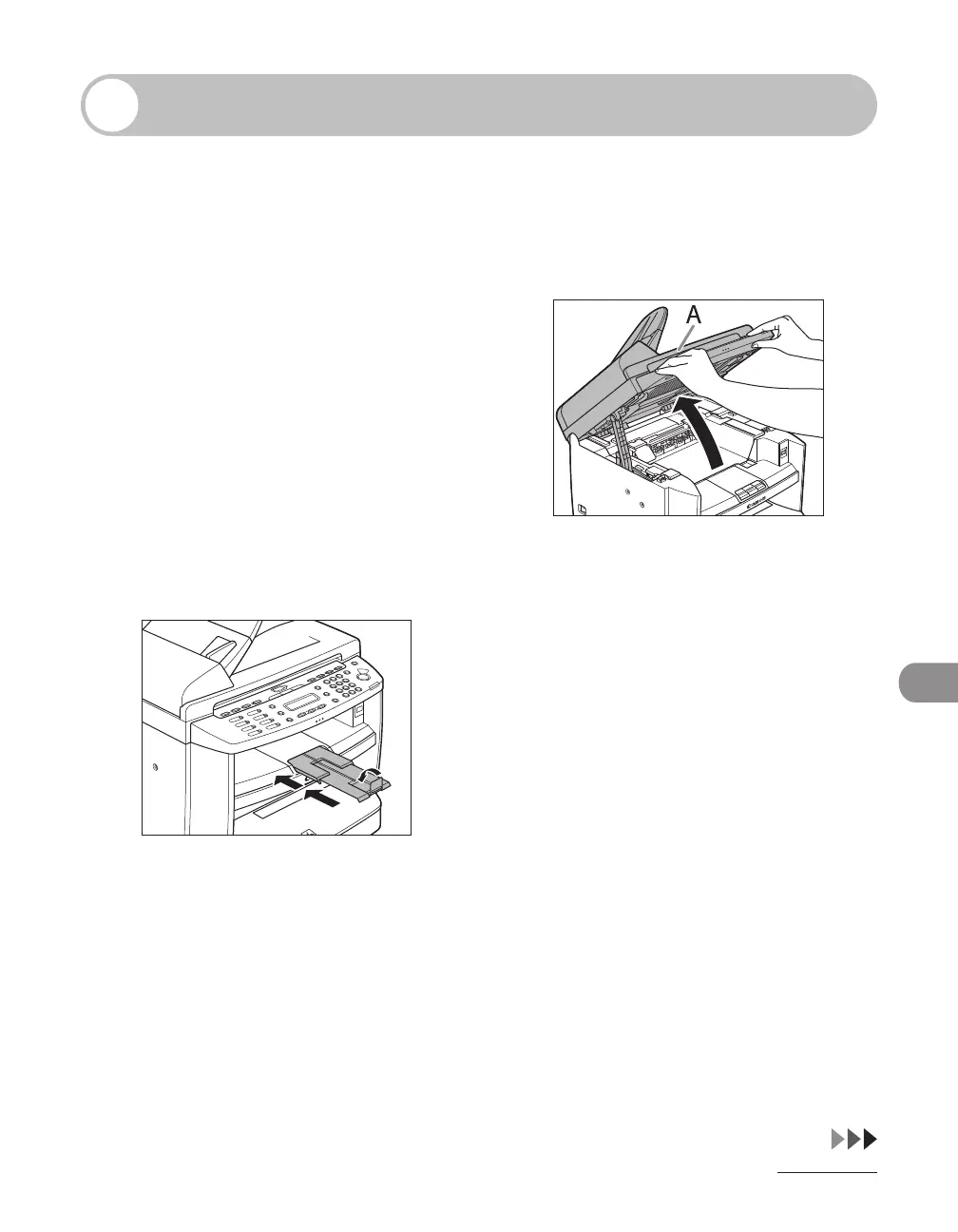
3 If you are using the output tray
extension, fold the paper stopper,
and then push the output tray
extension into the machine.
4 Lift the scanning platform until
it is locked (A). (You will hear an
audible “click.”)










 To Next Page