Before Using the Machine
1-8
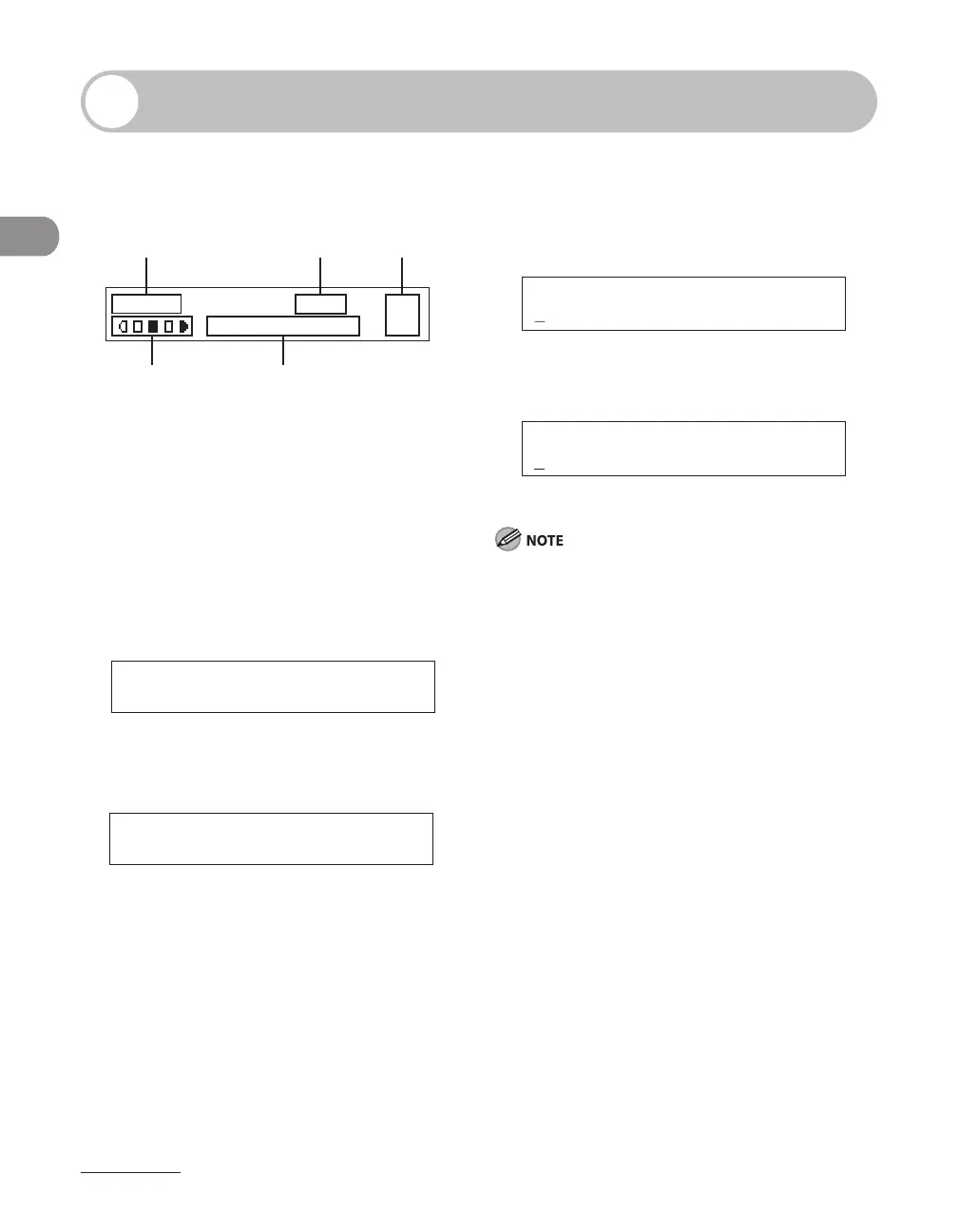
LCD (Standby Mode)
Copy Mode
D E
CBA
O 1
L T R
1 0 0 %
T E X T / P H O T O
A Zoom ratio
B Paper size
C Quantity
D Density
E Image quality
Scan Mode
Send/Fax Mode
Log In Mode
For Department ID Management
For User ID Management
E N T E R U S E R I D : a
Depending on your needs, you can change the
standby display which appears when the main
power switch is turned on. For details, see “Setting
Menu,” on p. 12-6.
When the main power switch is turned on, the LCD
displays <PLEASE WAIT> first, and then displays
<INITIALIZING...> until the standby display appears.
It is also possible to see the standby display without
having <INITIALIZING...> shown.
If the Auto Clear function is activated, the display
returns to the standby mode.
Log in mode is displayed only when Department/
User ID Management is set to <ON> in <SYSTEM
SETTINGS>. To log in or out, see “Department/User
ID Management,” on p. 1-9.
●
●
–
–
–
–









 To Next Page