4-55
Sending Documents
Checking and Deleting Jobs
System monitor enables you to view the transmission results, monitor the status of
the send jobs currently being processed.
Checking Transmission Results
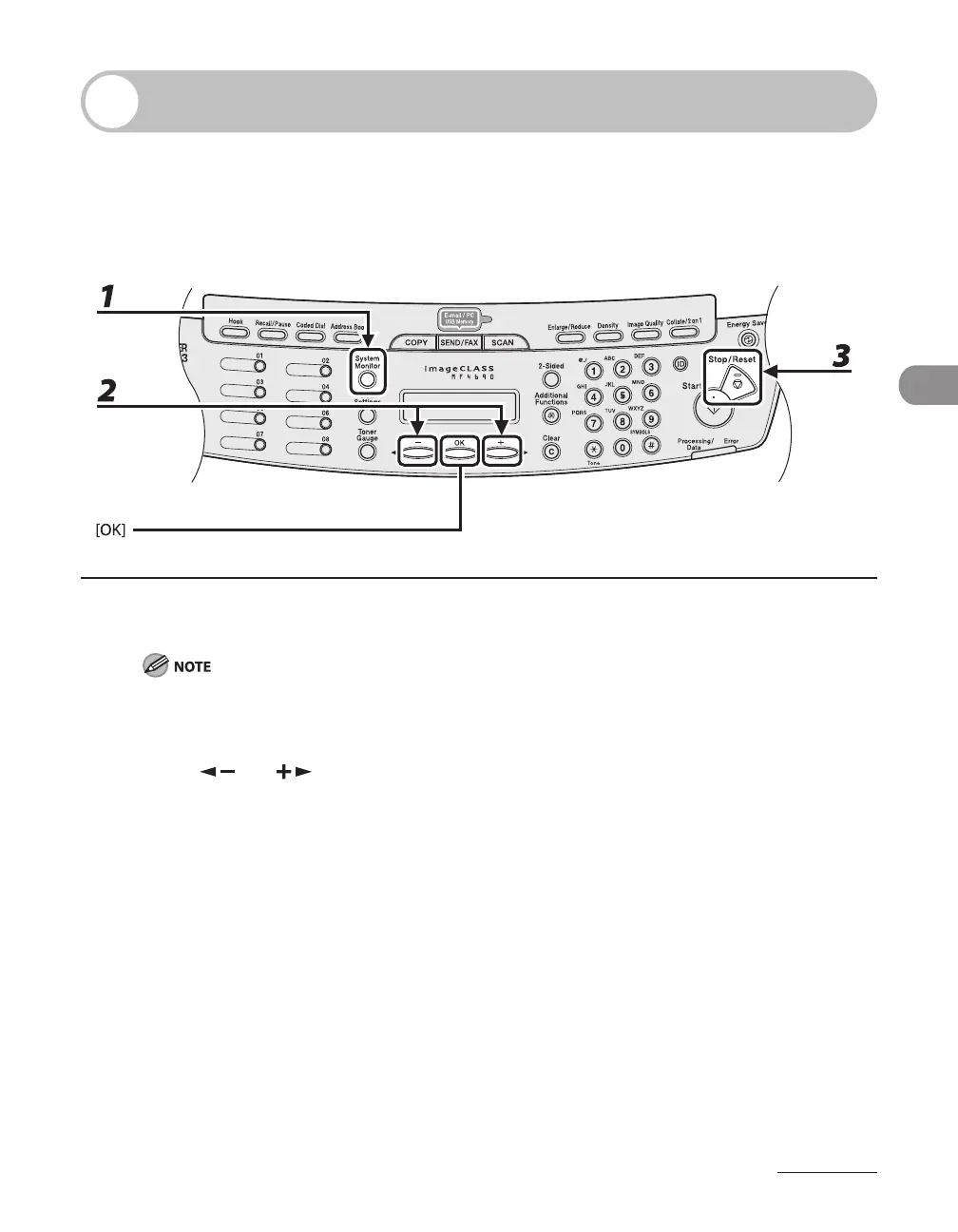
1 Press [System Monitor] repeatedly to select <TX/RX LOG>, then press [OK].
If you set <CHECKING THE LOG> to <OFF> in <SYSTEM SETTINGS>, transmission/reception result does
not appear in the LCD.
2 Press [ ] or [ ] to view the required transmission/reception result.
3 Press [Stop/Reset] to return to the standby mode.









 To Next Page