1-19
Before Using the Machine
Setting Time Zone
The standard time zones of the world are expressed globally in terms of the difference in
hours (± up to 12 hours) from GMT (0 hours). A time zone is a region throughout which this
time difference is the same.
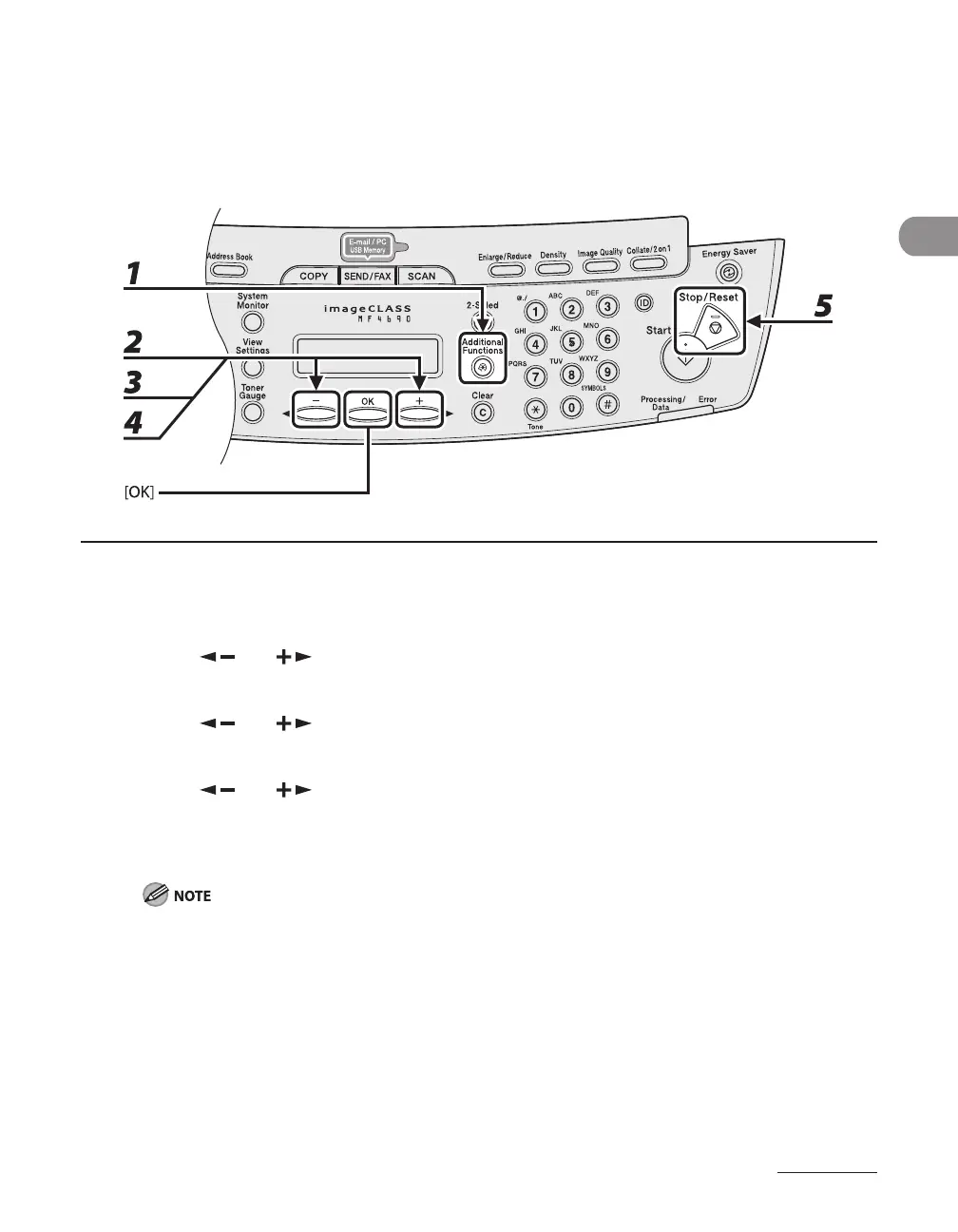
1 Press [Additional Functions].
2 Press [ ] or [ ] to select <TIMER SETTINGS>, then press [OK].
3 Press [ ] or [ ] to select <TIME ZONE SETTING>, then press [OK].
4 Press [ ] or [ ] to select the time zone, then press [OK].
5 Press [Stop/Reset] to return to the standby mode.
The specified time zone setting becomes effective after the machine is restarted.










 To Next Page