1-9
Before Using the Machine
Department/User ID Management
If Department ID Management or User ID Management is set to <ON> in <SYSTEM
SETTINGS>, you must enter your ID and password to be able to operate the machine.
For details, see Chapter 8, “System Manager Settings,” in the Reference Guide.
Procedure before Using the Machine
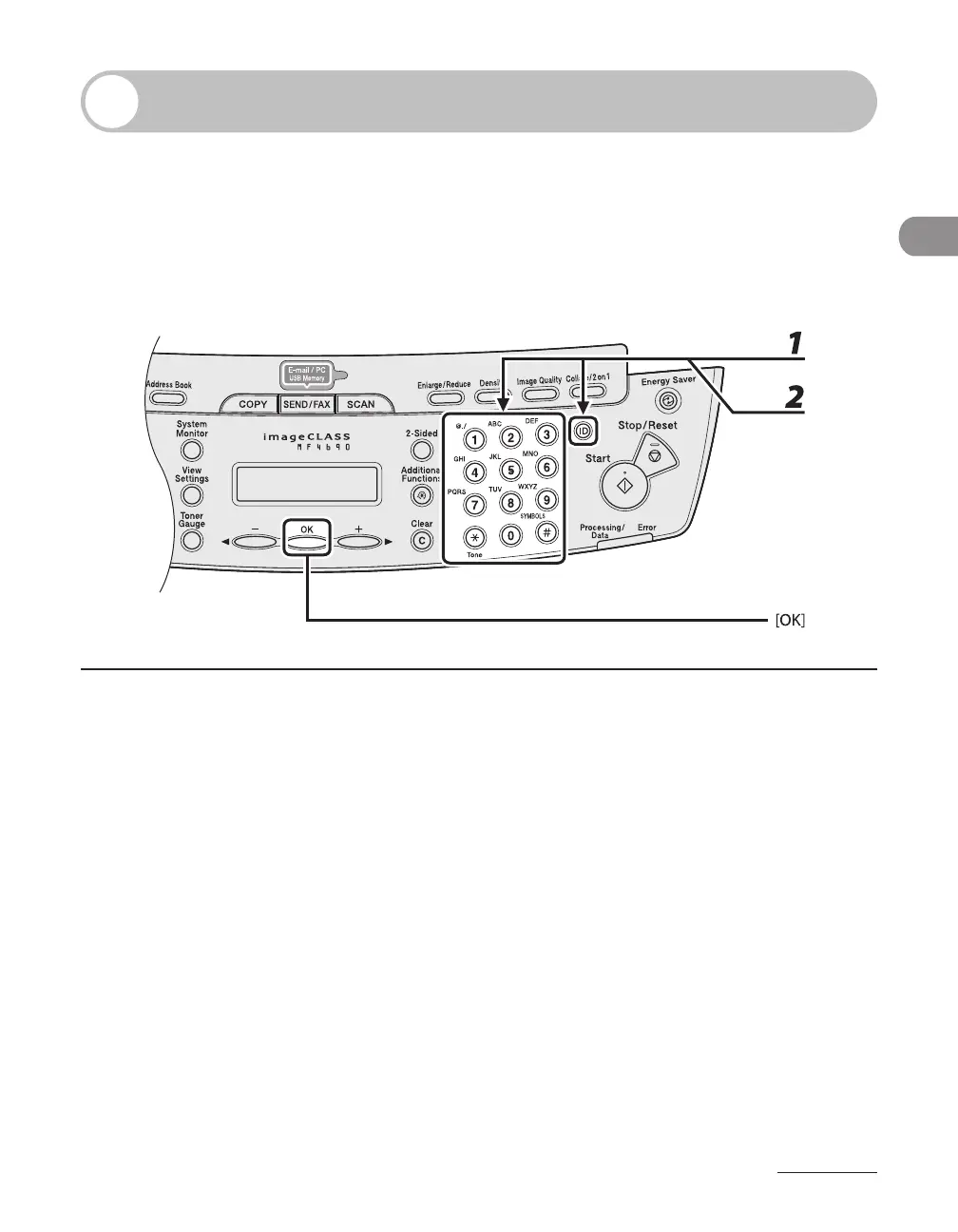
1 Enter the department ID or the user ID with the numeric keys, then press [OK]
or [Log In/Out (ID)].
2 If the password is set, enter the password with the numeric keys, then press
[OK] or [Log In/Out (ID)].
The standby display appears.









 To Next Page