Sending Documents
4-4
Scan Settings
You can adjust the image quality (Fax) and density of the document you send.
The higher image quality you set, the better the output will be, but the longer the
transmission will take.
When you send e-mail or send documents to a file server, you can optionally set the
file format, if multiple images are sent as separate files or a single file, resolution, and
original type according to the type of document you are sending. (See “Send Settings
(E-Mail/File Server),” on p. 4-7.)
Image Quality (Fax)
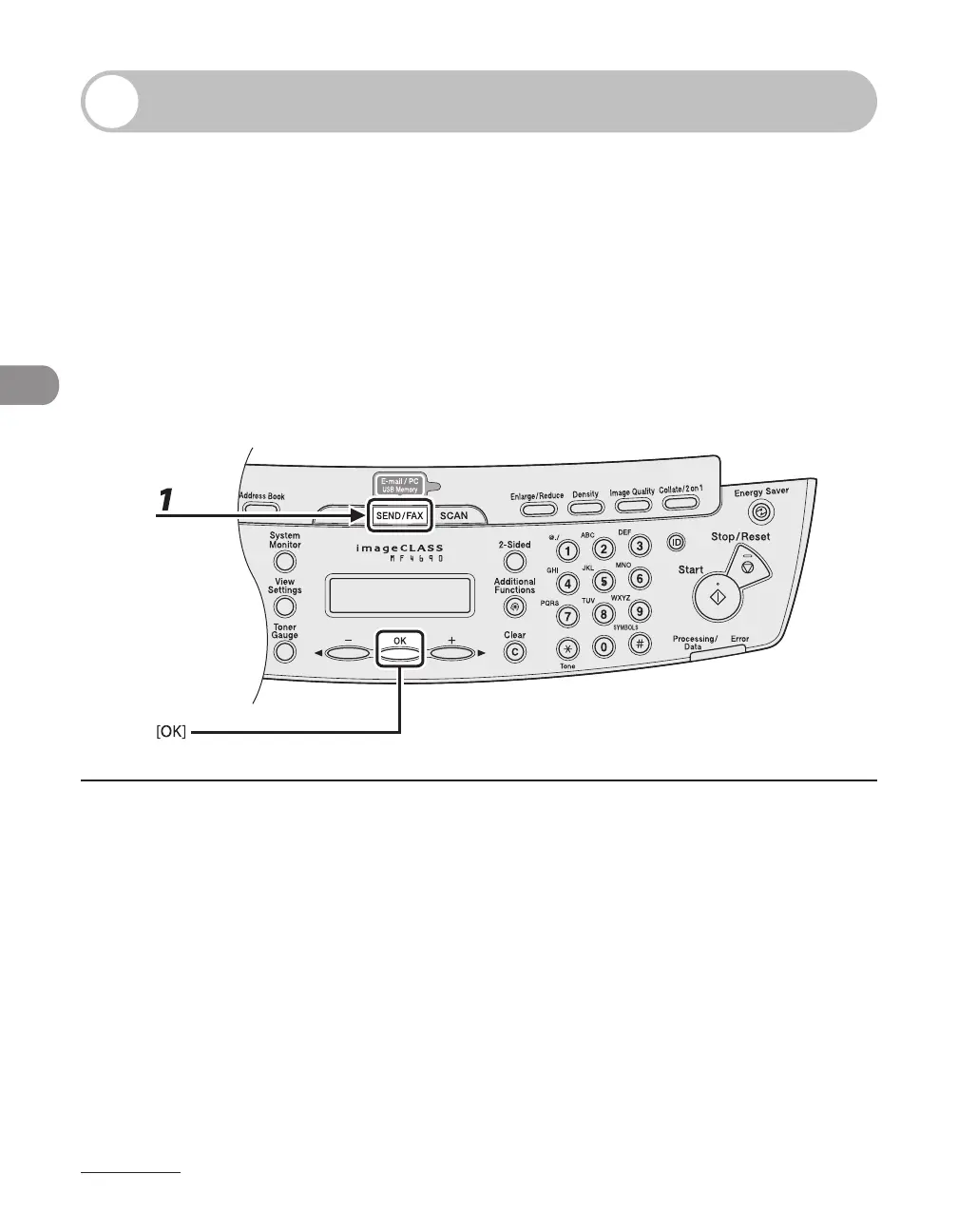
1 Press [SEND/FAX] to select <FAX>, then press [OK].










 To Next Page