10-3
Maintenance
Interior
Clean the machine’s print area periodically
to prevent toner powder and paper dust
from accumulating inside.
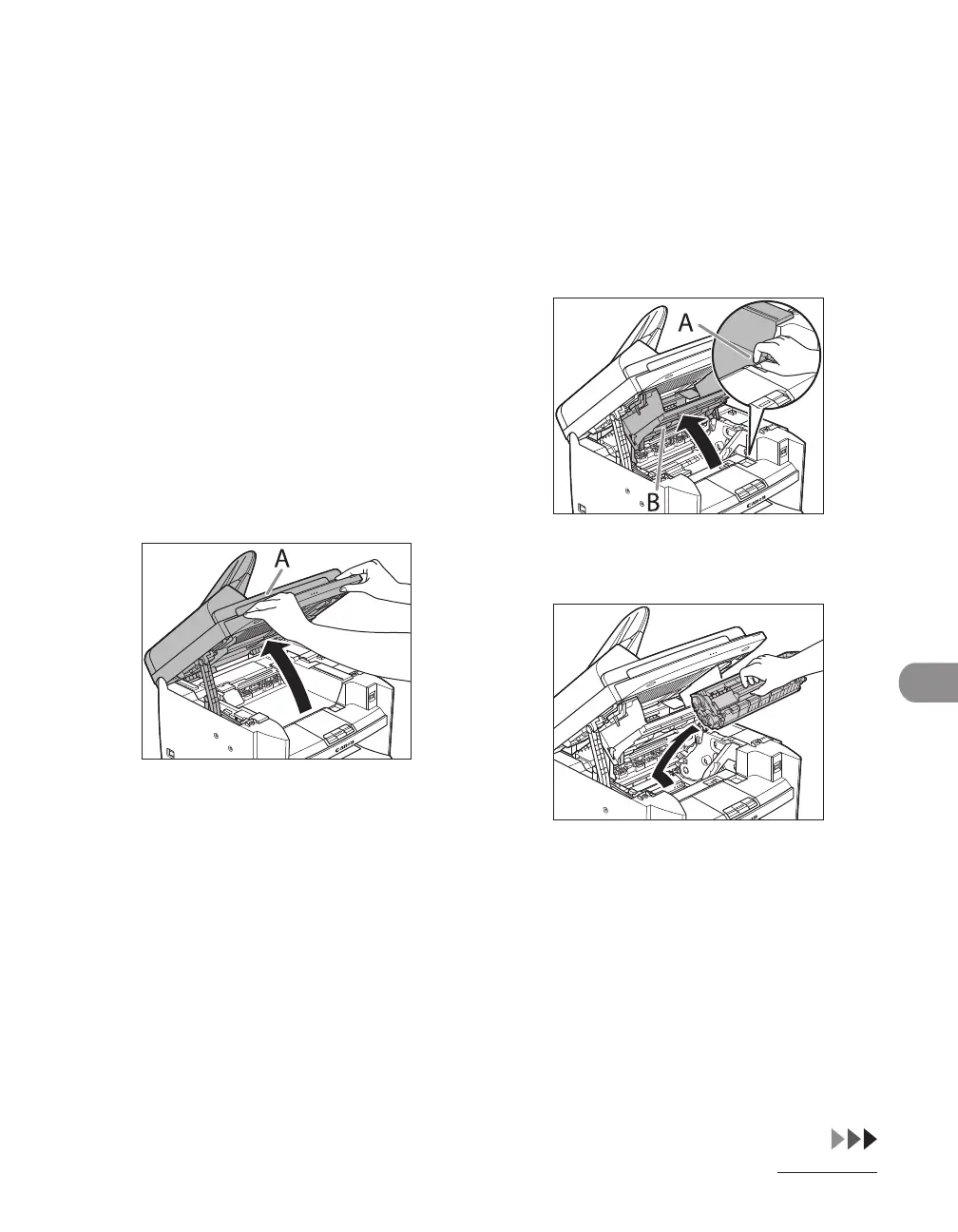
1 Turn off the main power switch
and disconnect the power cord.
2 Lift the scanning platform until
it is locked (A). (You will hear an
audible “click.”)
3 Open the toner cover (B), using the
knob which covers over on dent
(A).
4 Remove the toner cartridge.










 To Next Page