Sending Documents
4-40
Specifying Destinations
Follow the procedure below to send documents to registered recipients.
To send documents to a file server, you can specify the file server addresses only with one-touch keys, coded
dial codes, or [Address Book].
Using One-Touch Keys
You can specify up to 8 destinations using one-touch keys.
To use this feature, you must register destinations in one-touch keys beforehand. (See “Storing/Editing Address
Book,” on p. 4-11.)
1 Set documents.
Place the first page on the platen glass if you are not using the ADF.
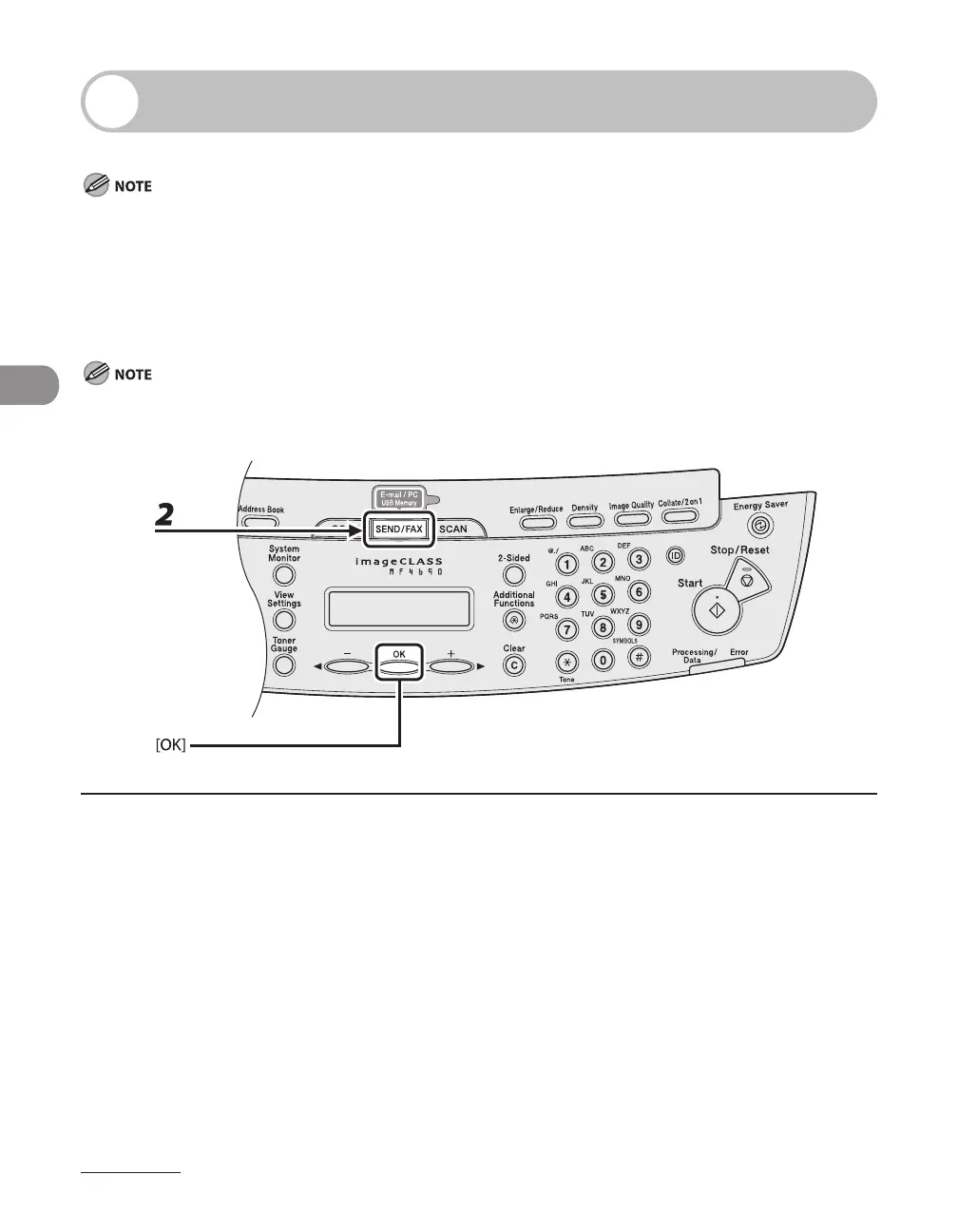
2 Press [SEND/FAX] repeatedly to select the sending method, then press [OK].
To send documents to a file server, select any sending method.










 To Next Page