10-13
Maintenance
Replacing the Toner Cartridge
with a New One
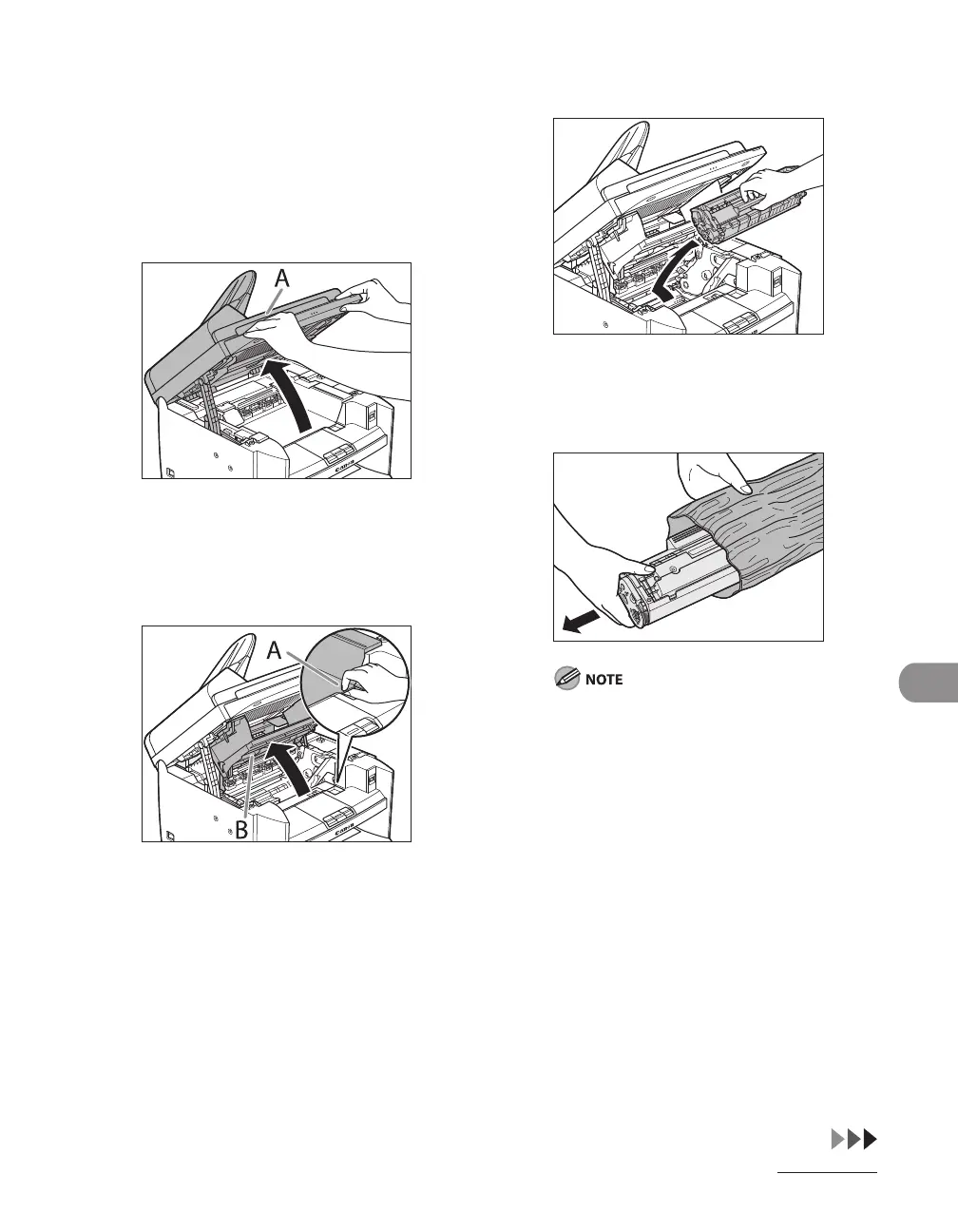
1 Lift the scanning platform until
it is locked (A). (You will hear an
audible “click.”)
2 Open the toner cover (B), using the
knob which covers over on dent
(A).
3 Remove the toner cartridge.
4 Remove the new toner cartridge
from the protective bag.
Save the protective bag. You may need it
later when you remove the toner cartridge
from the machine.










 To Next Page