11-29
Troubleshooting
If <LOAD CORRECT PAPER> is displayed
When <LOAD CORRECT PAPER> appears on the LCD display, the size of the paper in
the paper cassette or multipurpose tray is different from that of the paper specified
in <CASSETTE> or <MP TRAY> of the <PAPER SETTINGS> menu. You need to load
the correct size paper or change the paper size in <CASSETTE> or <MP TRAY> of the
<PAPER SETTINGS> menu.
For print jobs, you need to specify the paper size from your computer.
Re-Loading the Paper
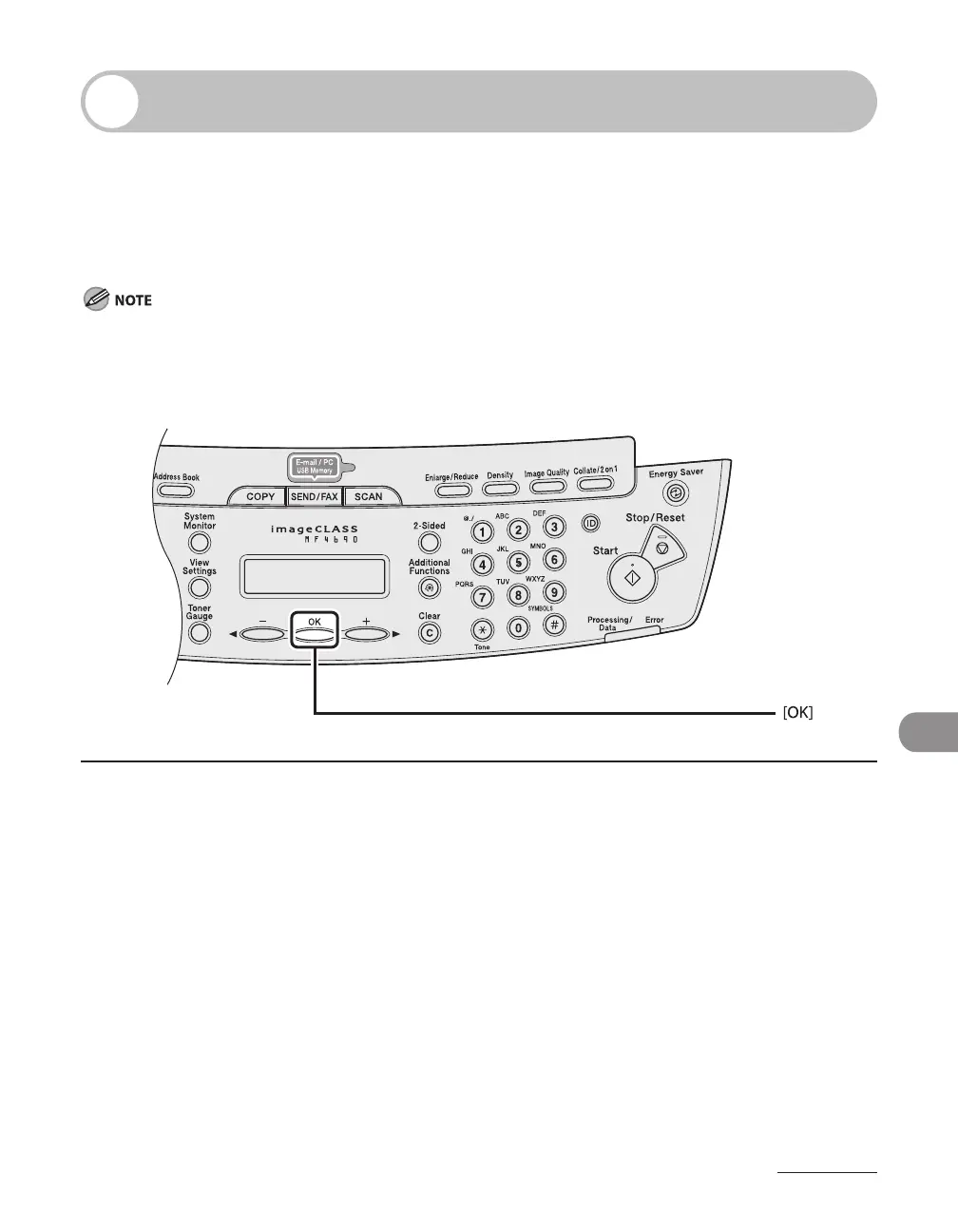
1 Load the correct size paper as shown on LCD display, then press [OK] to resume
the job.
The machine re-starts printing.









 To Next Page