Receiving Documents
5-4
Forwarding Received Documents
You can set the machine to forward received documents to other machines or file
servers. If a received document matches the forwarding conditions, it is forwarded to
the specified destination. Forwarding settings can be made using the Remote UI.
For instructions on forwarding settings and how to turn on and off the forward mode, see Chapter 7, “Remote
UI,” in the Reference Guide.
Forwarding Documents Received in Memory
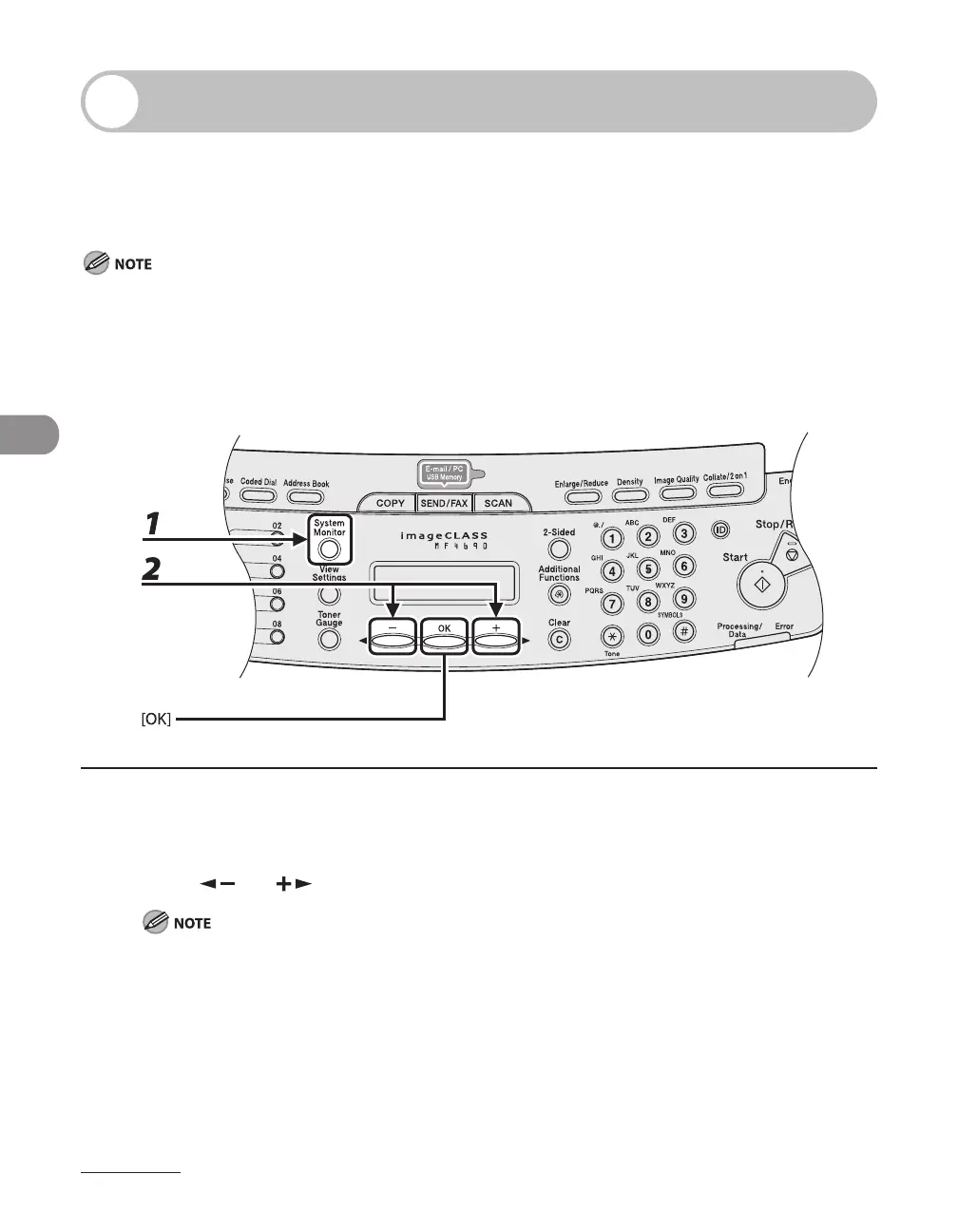
1 Press [System Monitor] repeatedly to select <TX/RX STATUS>, then press [OK].
2 Press [ ] or [ ] to select the desired document, then press [OK].
You can transfer only the documents received in memory, which appears with the message <RX
STNDBY> in the system monitor.









 To Next Page