10-7
Maintenance
Scanning area
Keep the scanning area clean to avoid dirty
copies or faxes to be sent.
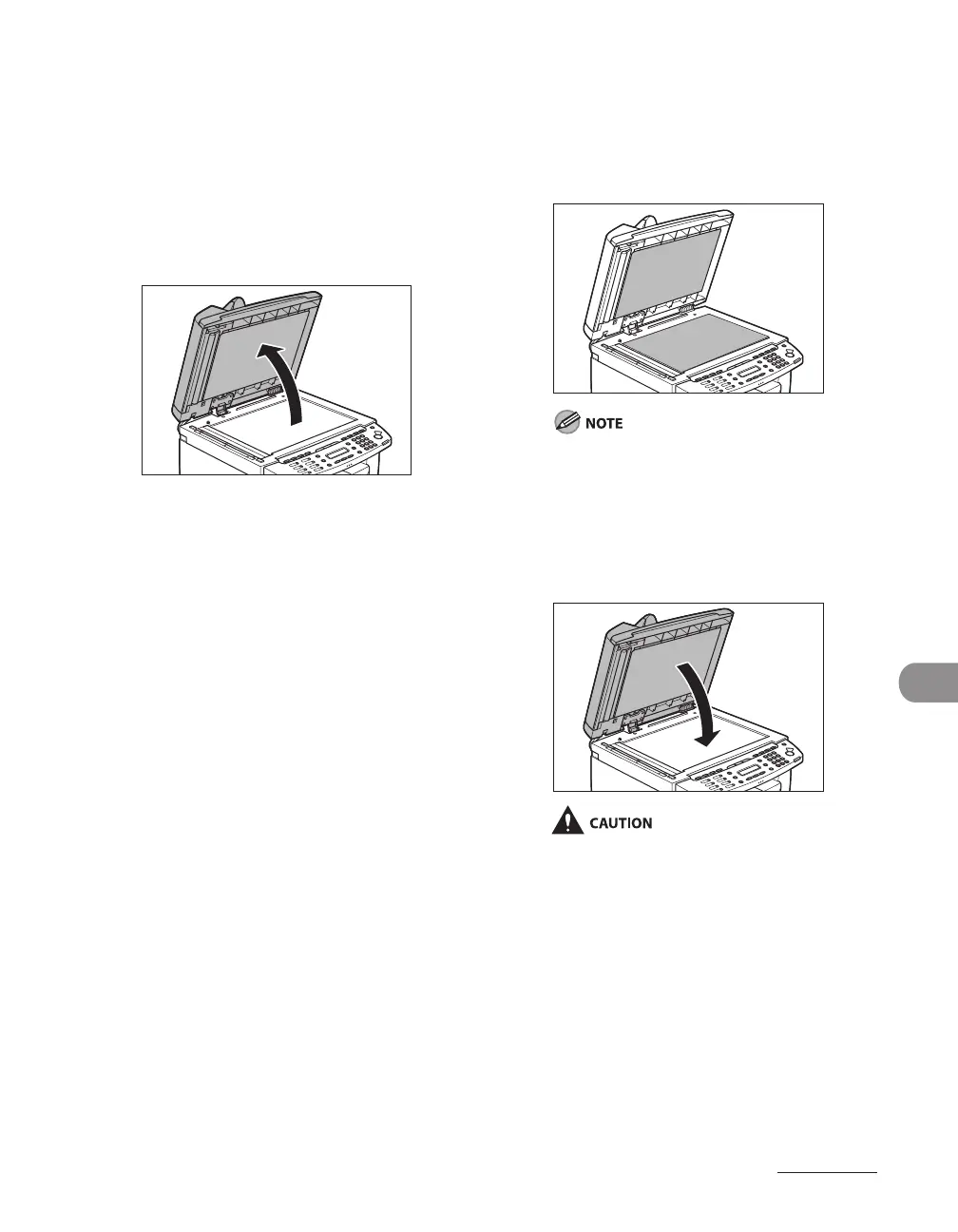
Platen glass
1 Open the ADF.
●
2 Clean the platen glass and the
underside of the ADF with a cloth
dampened with water. Then wipe
the area with a soft, dry cloth.
Do not dampen the cloth too much, as this
may tear the document or damage the
machine.
3 Close the ADF.
Be careful not to get your fingers caught.










 To Next Page