Scanning
7-8
Scan Settings
You can adjust the scanning density and optionally set the file format, if multiple images are
sent as separate files or a single file, resolution, and original type according to the type of
document you are scanning.
Density
1 Connect a USB memory into the USB memory port.
2 Set documents.
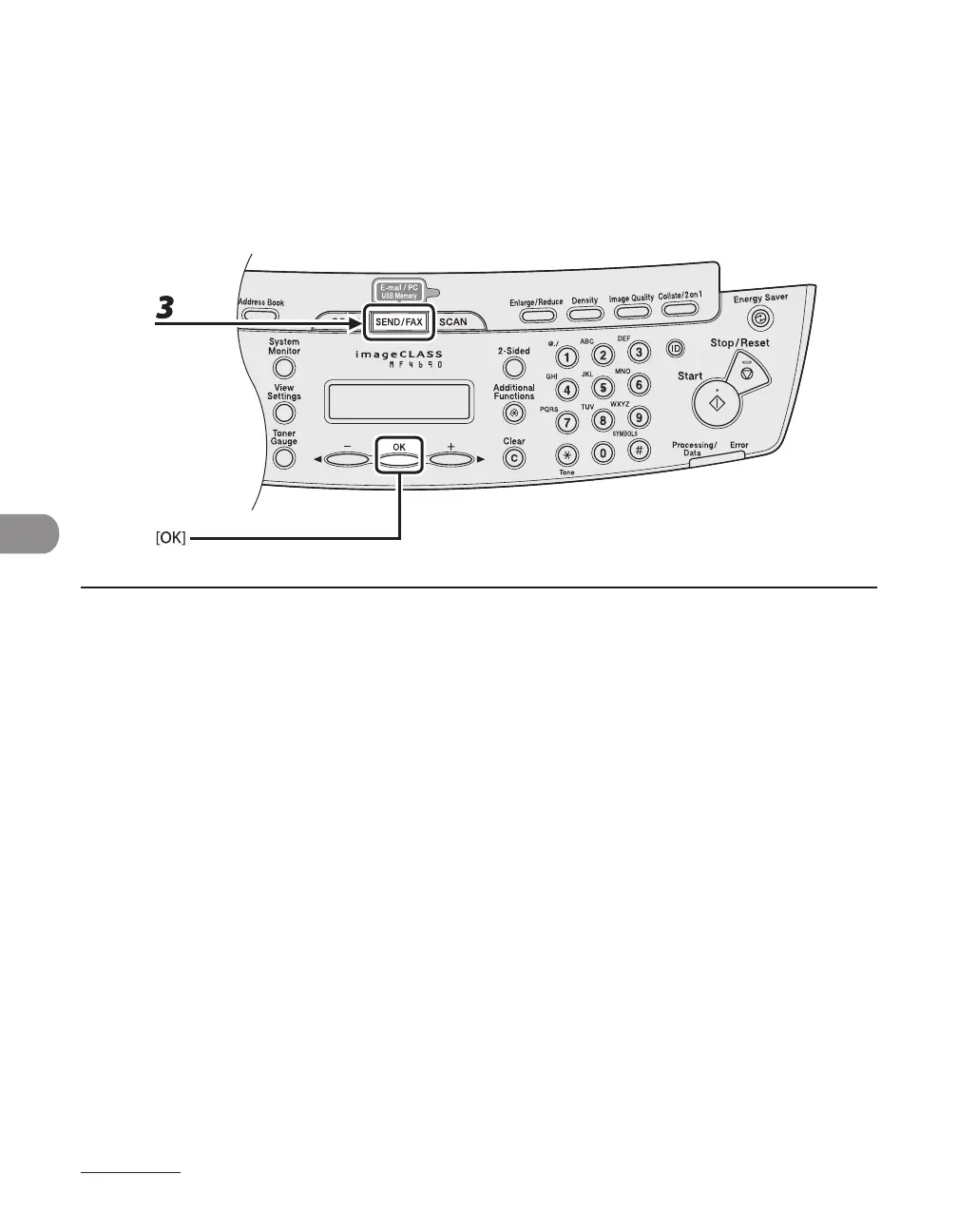
3 Press [SEND/FAX] repeatedly to select <USB MEMORY: B&W> or <USB MEMORY:
COLOR>, then press [OK].
●










 To Next Page