7-15
Scanning
Canceling Scan Jobs to a USB Memory
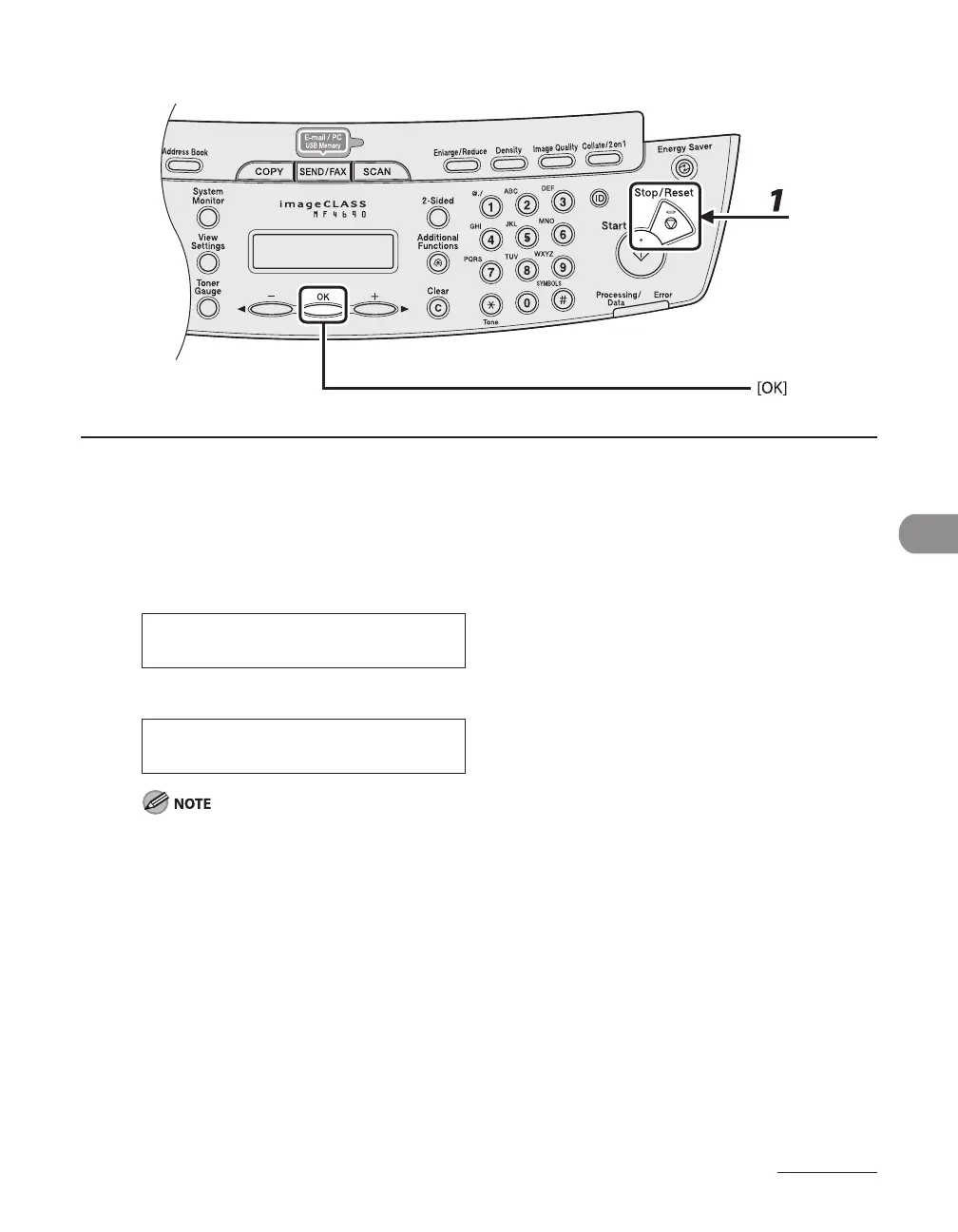
1 Press [Stop/Reset].
2 When the <STOP KEY PRESSED> message appears, press [OK].
When scanning using the ADF:
P R E S S O K K E Y
S T O P K E Y P R E S S E D
When scanning using the platen glass:
S T O P K E Y P R E S S E D
The scanned pages might be saved to the USB memory even if you pressed [Stop/Reset] while scanning
the document. If you want to delete the files from the USB memory, delete them from a computer.
●
●










 To Next Page