Before Using the Machine
1-18
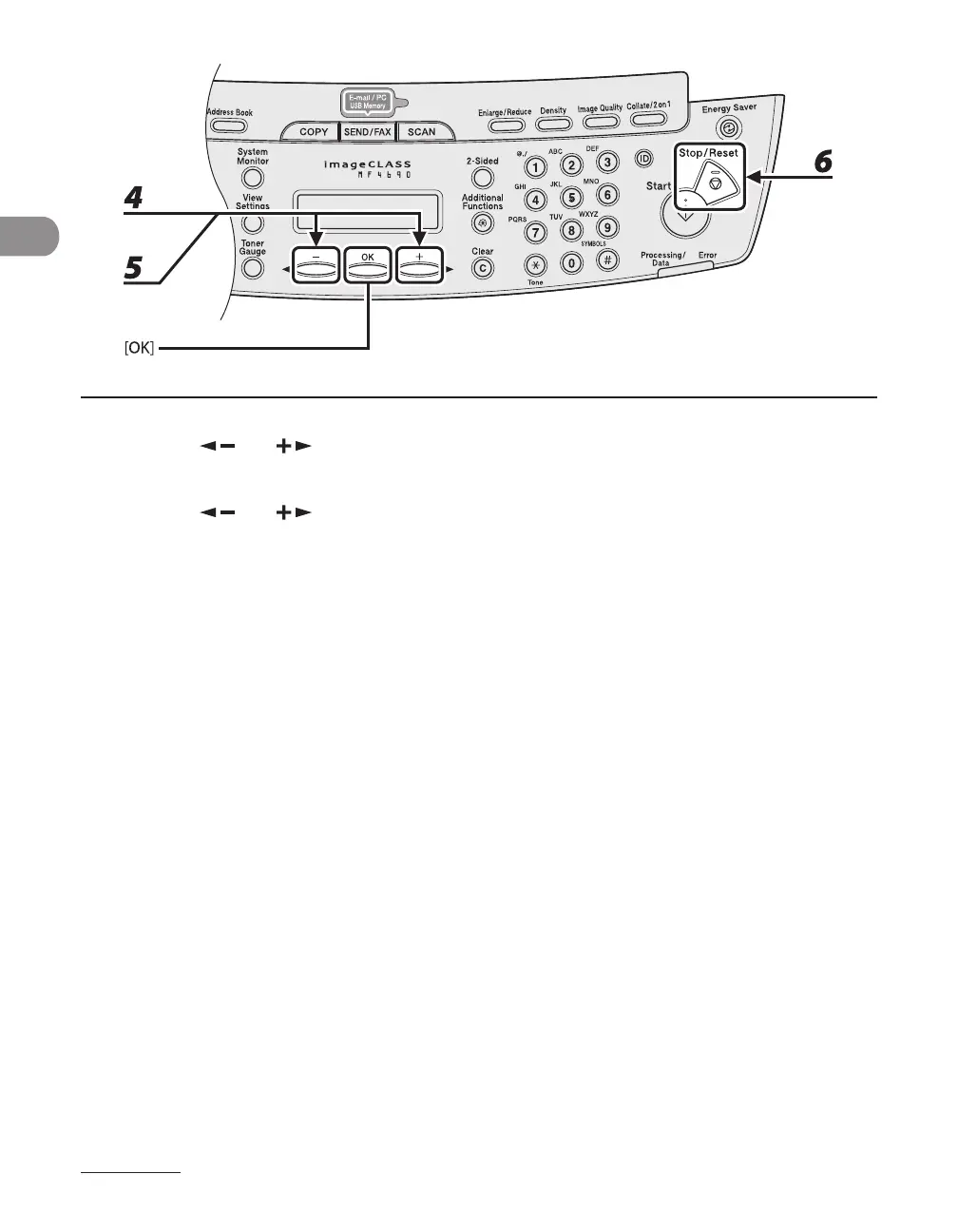
4 Press [ ] or [ ] to select <ON>, then press [OK].
5 Press [ ] or [ ] to select the desired interval, then press [OK].
You can set the interval from 1 to 9 minutes (in one-minute increments).
You can also enter values using numeric keys.
6 Press [Stop/Reset] to return to standby mode.










 To Next Page