Sending Documents
4-26
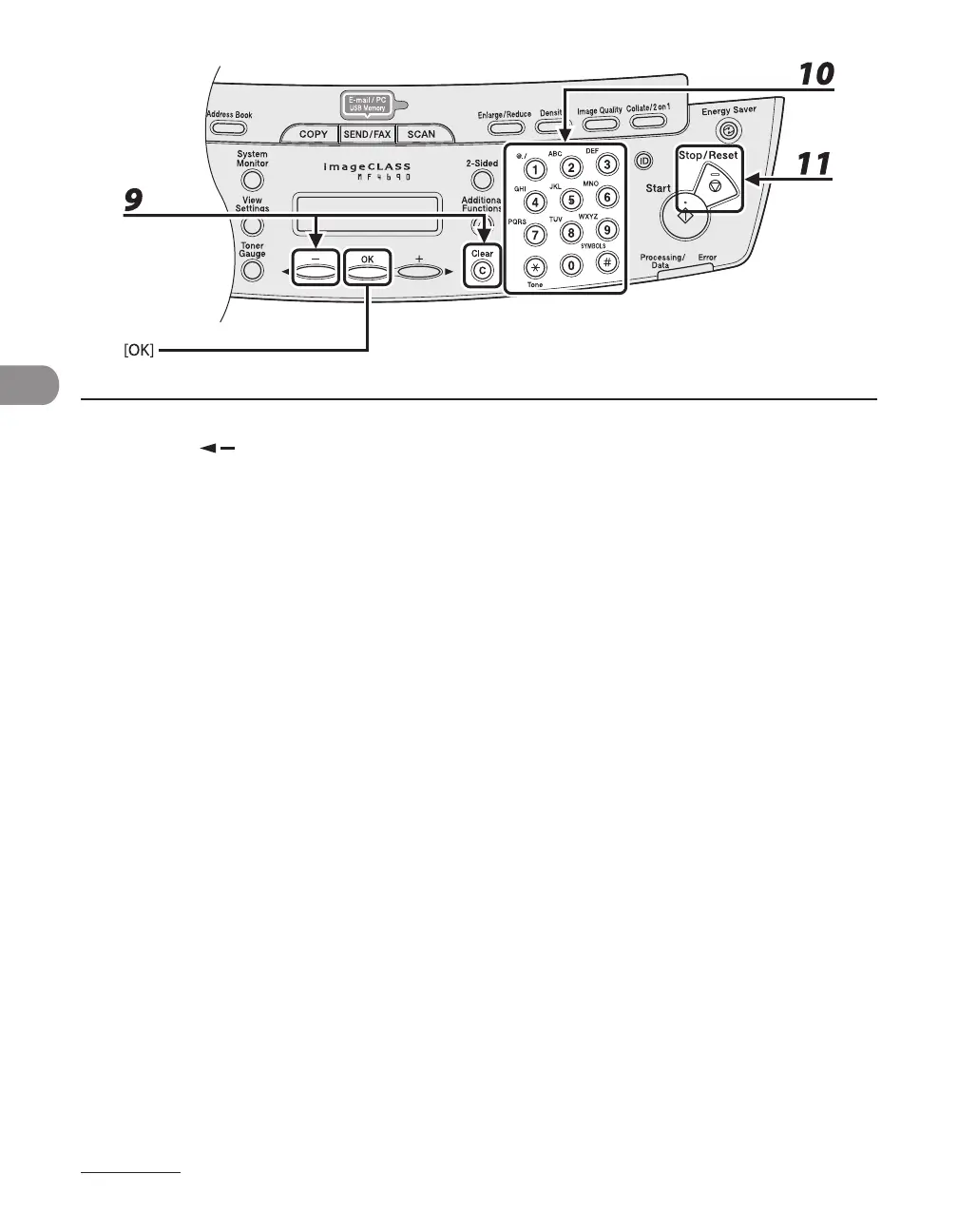
9 Press [ ] repeatedly to go back to the character you want to change, then
press [Clear].
To delete the entire entry, press and hold [Clear].
10 Enter a new character with the numeric keys, then press [OK].
If you are editing a one-touch key or coded dial code under which a fax number is registered, you can
also change the optional settings. For instructions, see “Registering Fax Numbers,” on p. 4-12.
11 Press [Stop/Reset] to return to the standby mode.










 To Next Page