Sending Documents
4-28
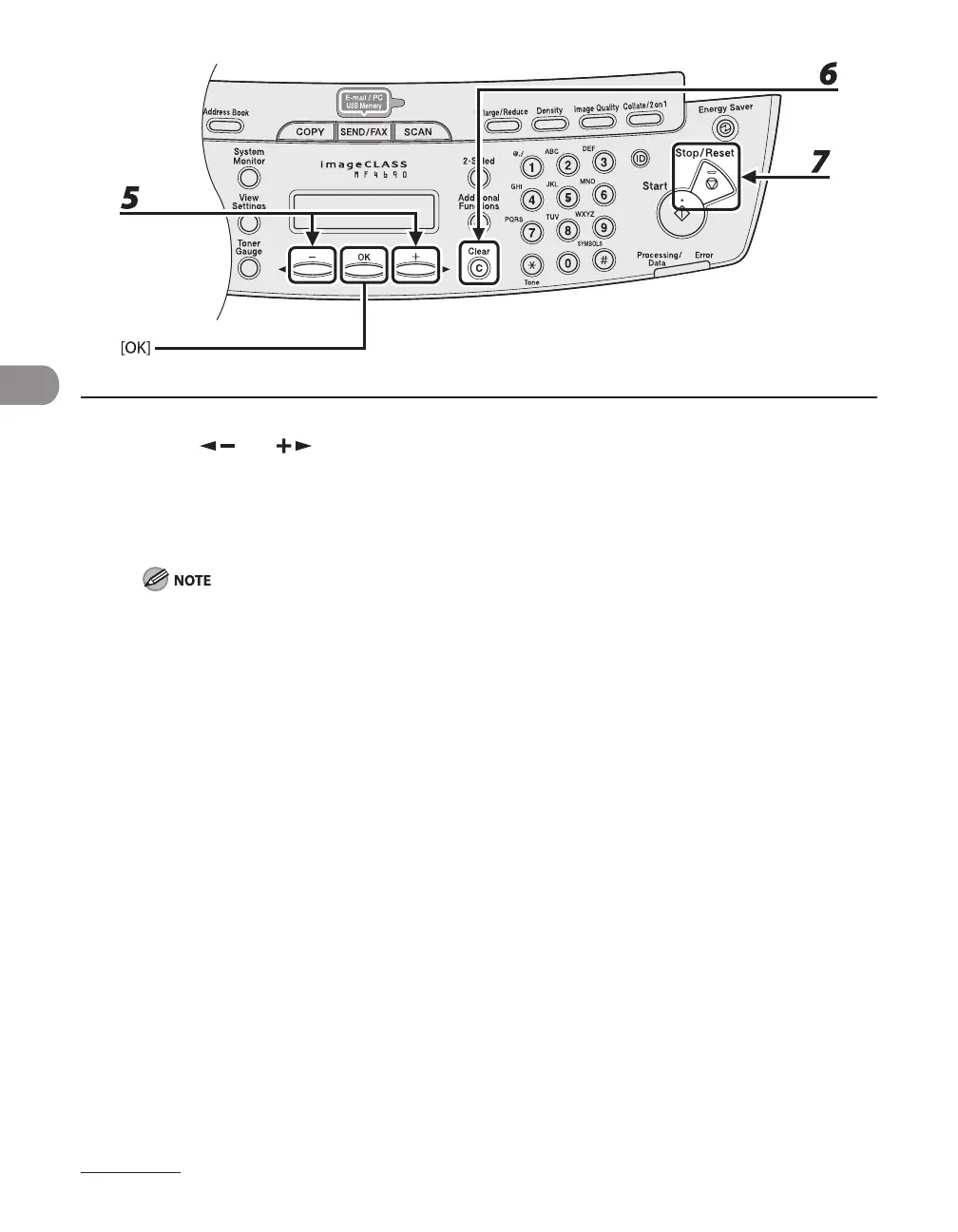
5 Press [ ] or [ ] to select <TEL NUMBER ENTRY> , <E-MAIL ADDRESS> or
<HOST NAME>, then press [OK].
6 Press and hold [Clear] to delete the entire entry, then press [OK].
If you delete the fax number, e-mail address or file server address, the registered name is cleared
automatically.
7 Press [Stop/Reset] to return to the standby mode.










 To Next Page