4-33
Sending Documents
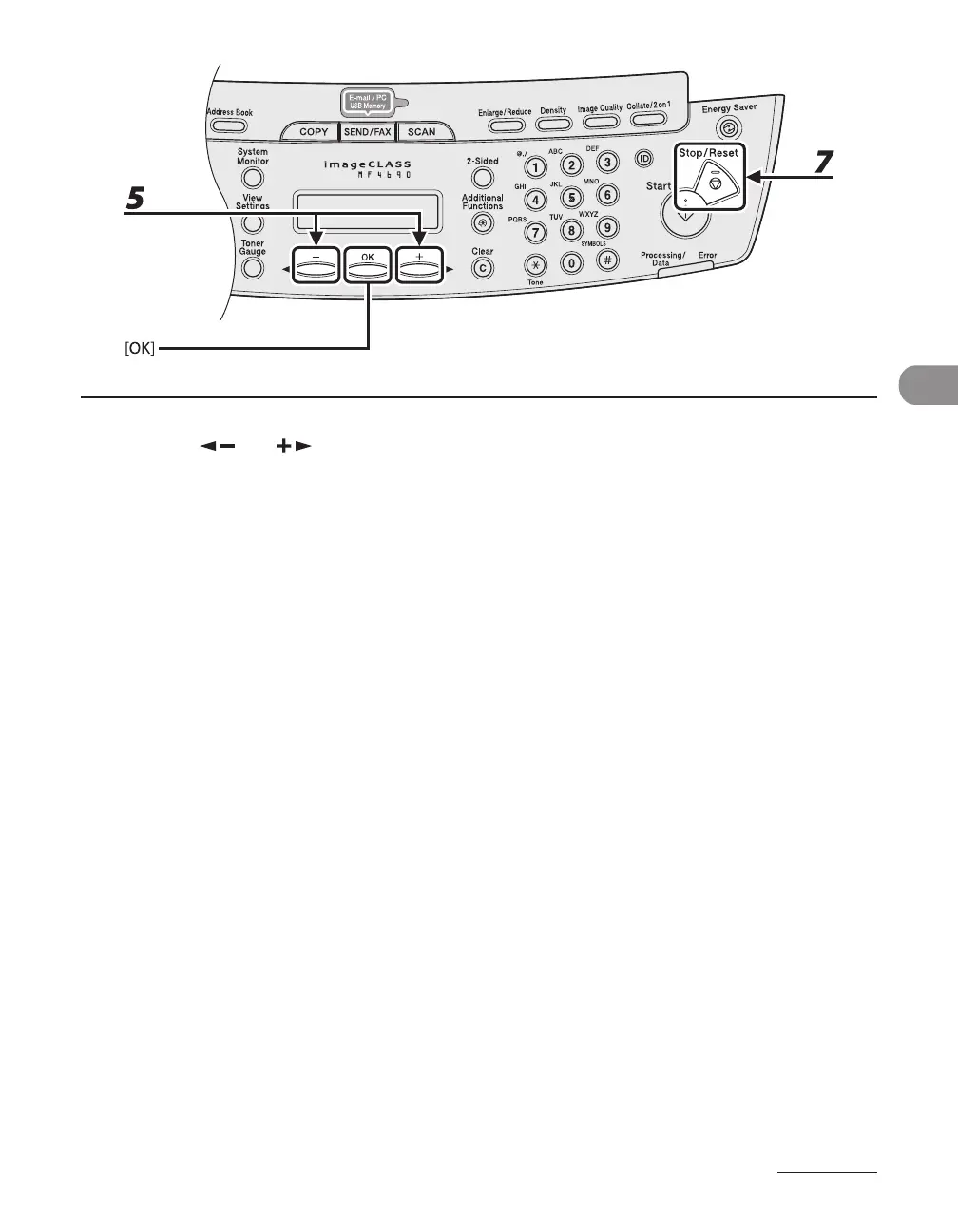
5 Press [ ] or [ ] to select <SELECT ADD/TEL NO>, then press [OK].
6 Select the destination you want to add to the group, then press [OK].
For details on specifying a destination from Address Book, see “Registering Group Addresses,” on p. 4-29.
7 Press [Stop/Reset] to return to the standby mode.










 To Next Page