4-47
Sending Documents
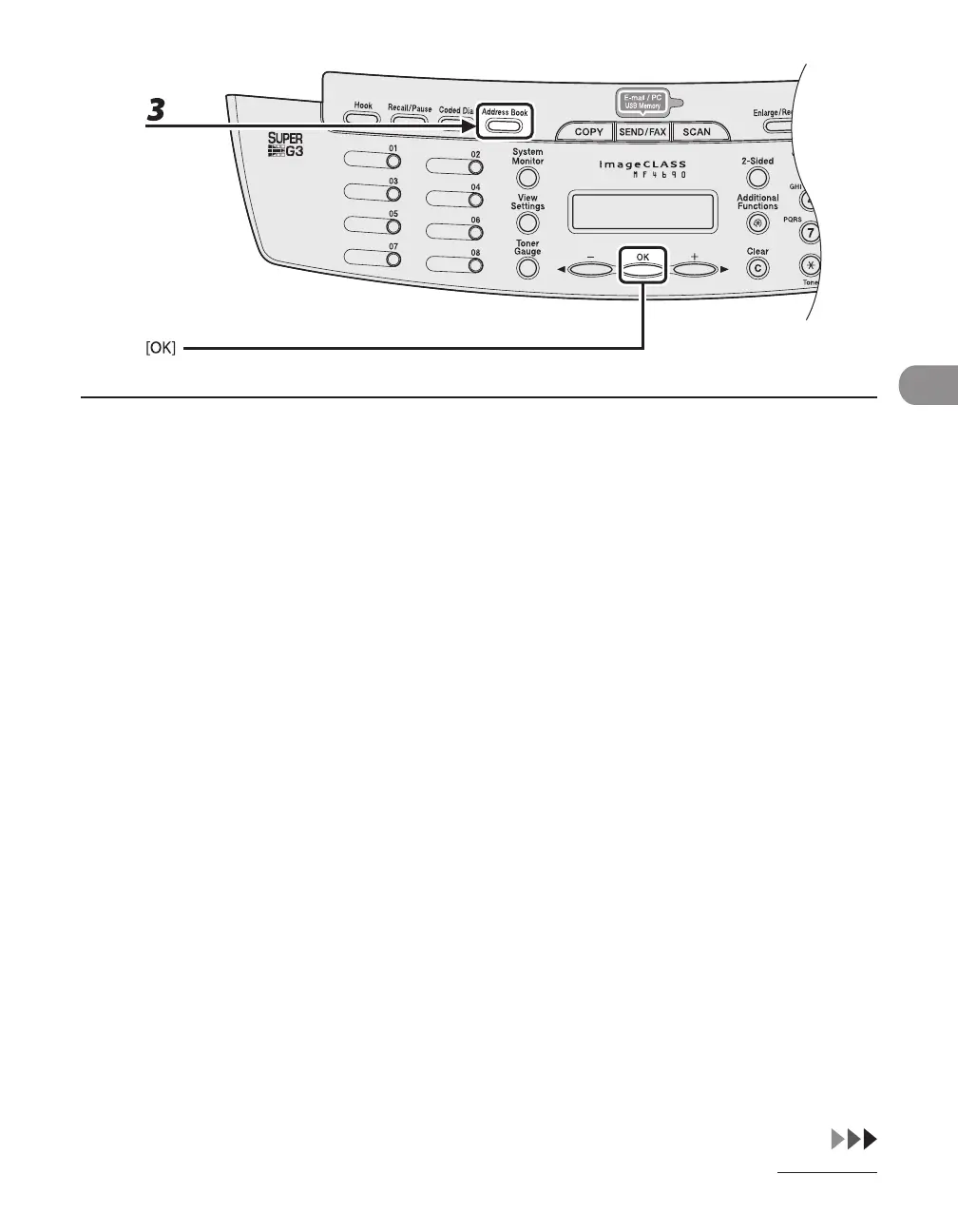
3 Press [Address Book] repeatedly to select <NAME SEARCH> or <ADD/TEL
SEARCH>, then press [OK].
If no recipient is registered in Address Book, <NOT REGISTERED> is displayed.
<NAME SEARCH>: searches a destination by name
<ADD/TEL SEARCH>: searches a destination by address or fax number










 To Next Page