6-3
Printing
Adjust Preferences Print the Document
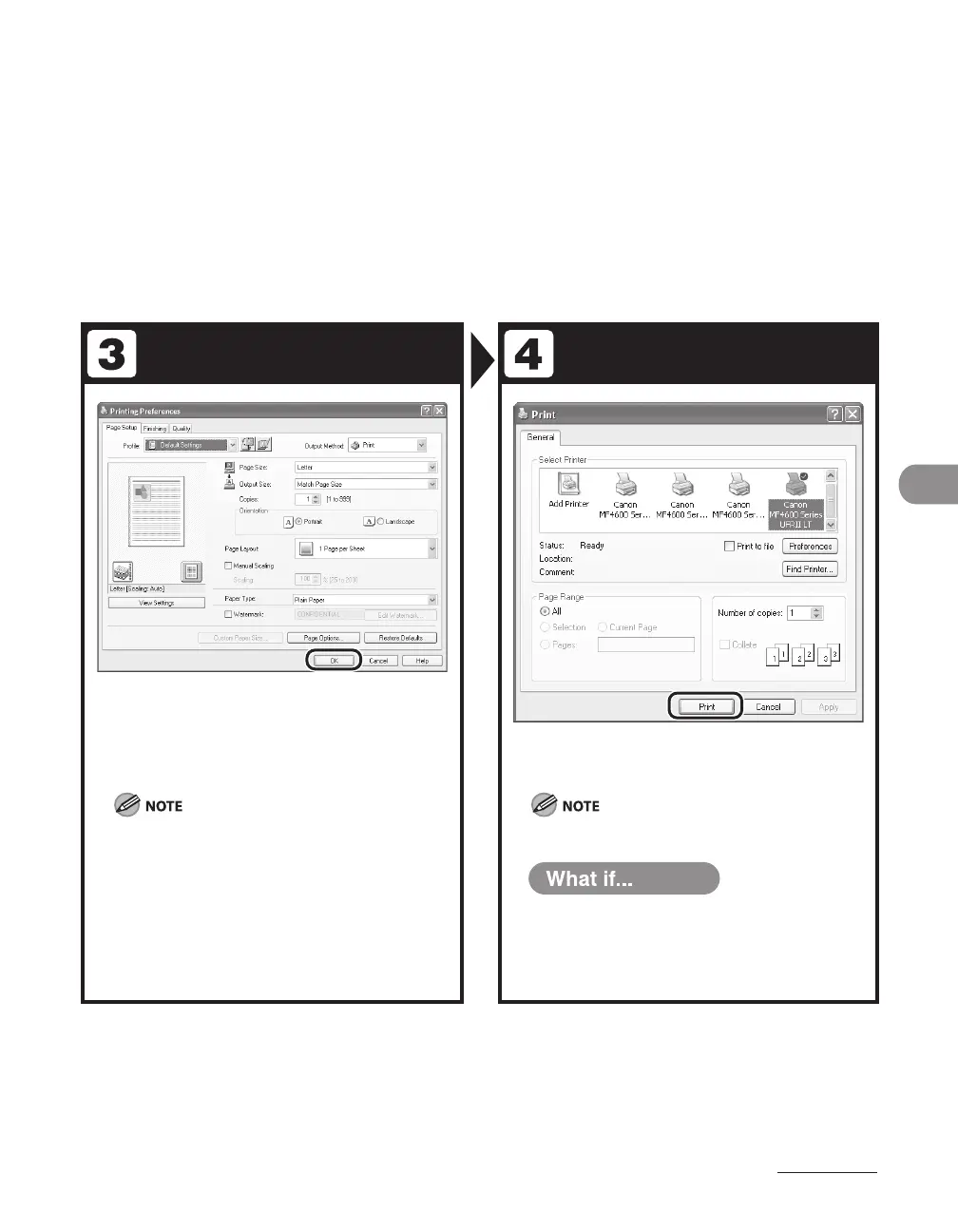
After finished setting, click [OK].
When you use [Canon MF4600 Series PCL5e] and set
the paper size as the custom size paper in the printer
driver or the application, you need to set the machine
settings as follows:
Press [Additional Functions] <PRINTER SETTINGS>
<PCL SETTINGS> <CUSTOM PAPER>. Select
<ON> and set <Y DIMENSION> and <X DIMENSION>
values identical to those set in the printer driver or the
application.
Click [Print] or [OK].
Printing speed may be slower when sending an e-mail.
You want to cancel printing:
See Chapter 5, “Printing and Scanning,” in
the Reference Guide.
●










 To Next Page