Scanning
7-6
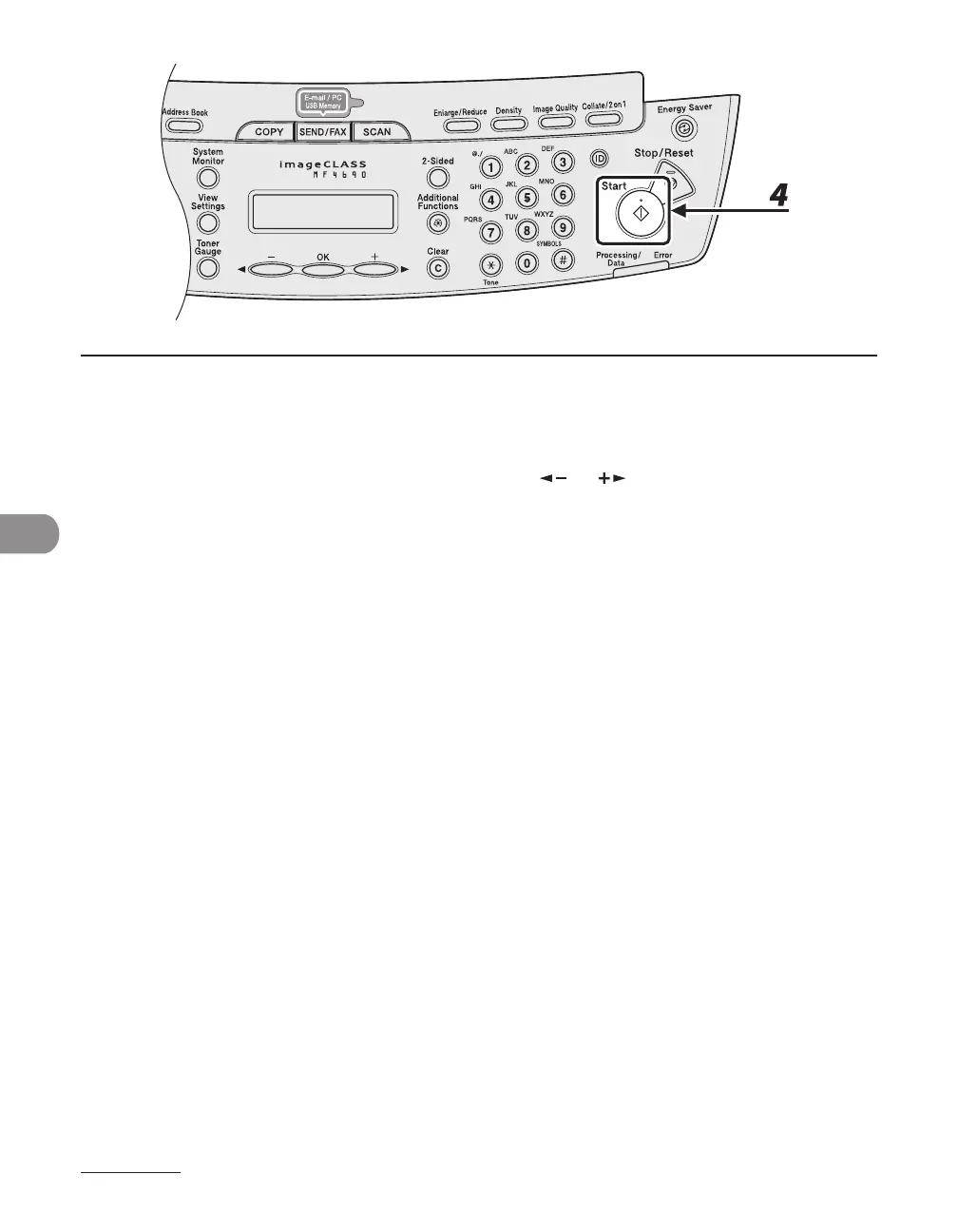
4 Press [Start].
If you want to set the optional settings, press [OK] instead of pressing [Start]. (See “Optional Settings,” on
p.
7-10.)
When you set the documents on the platen glass, press [ ] or [ ] to select the document size, then
press [Start].
You can remove the USB memory when <USB STORE COMPLETE/OK TO REMOVE USB> message
appears.
To scan another document, press [OK] or [Clear], and then repeat the procedure from step 2.










 To Next Page