Remote UI
9-2
Remote UI
Follow this procedure for Remote UI management.
For details, see Chapter 7, “Remote UI, in the Reference Guide.
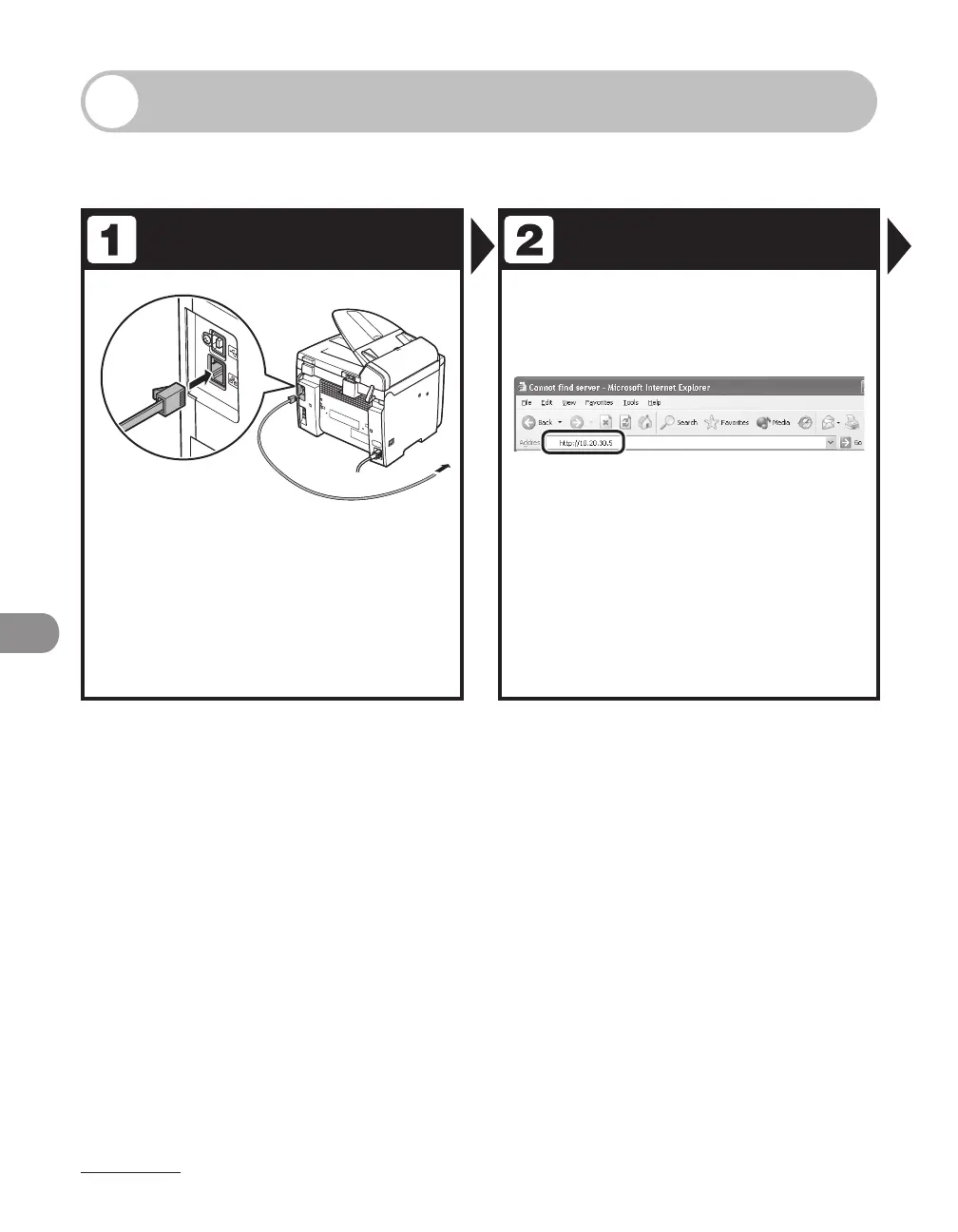
Prepare the Network Startup
Set up the machine for use in a
network, then connect the machine
and the PC to your network router or
a hub.
For details, see “Set the Machine for Network Usage,” in
the Starter Guide.
Start the web browser, enter the IP
address of the machine, then press
[Enter] on the keyboard.










 To Next Page