Machine Settings
12-32
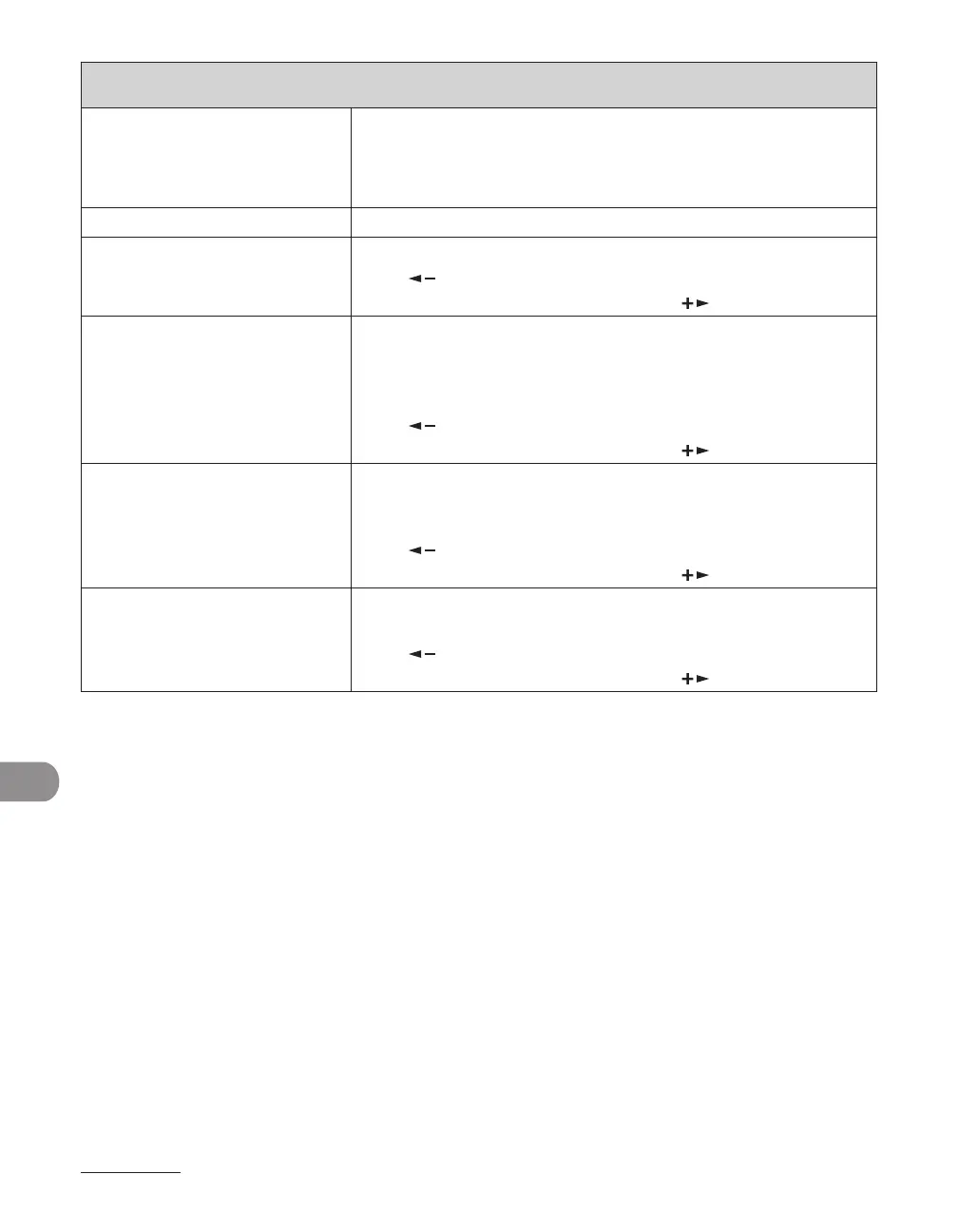
REPORT SETTINGS
2. TX/RX SEPARATE Sets whether an activity report is printed separately for sending
and receiving or not.
OFF
ON
–
–
2. LIST PRINT Prints reports/lists.
1. ACTIVITY REPORT Prints the transaction report (max. last 40 transactions) manually.
Press [ ] to select <YES>.
If you do not want to print the list, press [ ] to select <NO>.
2. SPEED DIAL LIST Prints the list of destinations registered in Address Book.
1. 1-TOUCH LIST
2. CODED DIAL LIST
3. GROUP DIAL LIST
Press [ ] to select <YES>.
If you do not want to print the list, press [ ] to select <NO>.
–
–
–
3. ADD BOOK DETAILS Prints the details of Address Book.
1. 1-TOUCH (DETAILS)
2. CODED (DETAILS)
Press [ ] to select <YES>.
If you do not want to print the list, press [ ] to select <NO>.
–
–
4. USER DATA LIST Prints the setting list registered in the menu. (See “Printing
USER’S DATA LIST,” on p. 12-2.)
Press [ ] to select <YES>.
If you do not want to print the list, press [ ] to select <NO>.










 To Next Page