1-21
Before Using the Machine
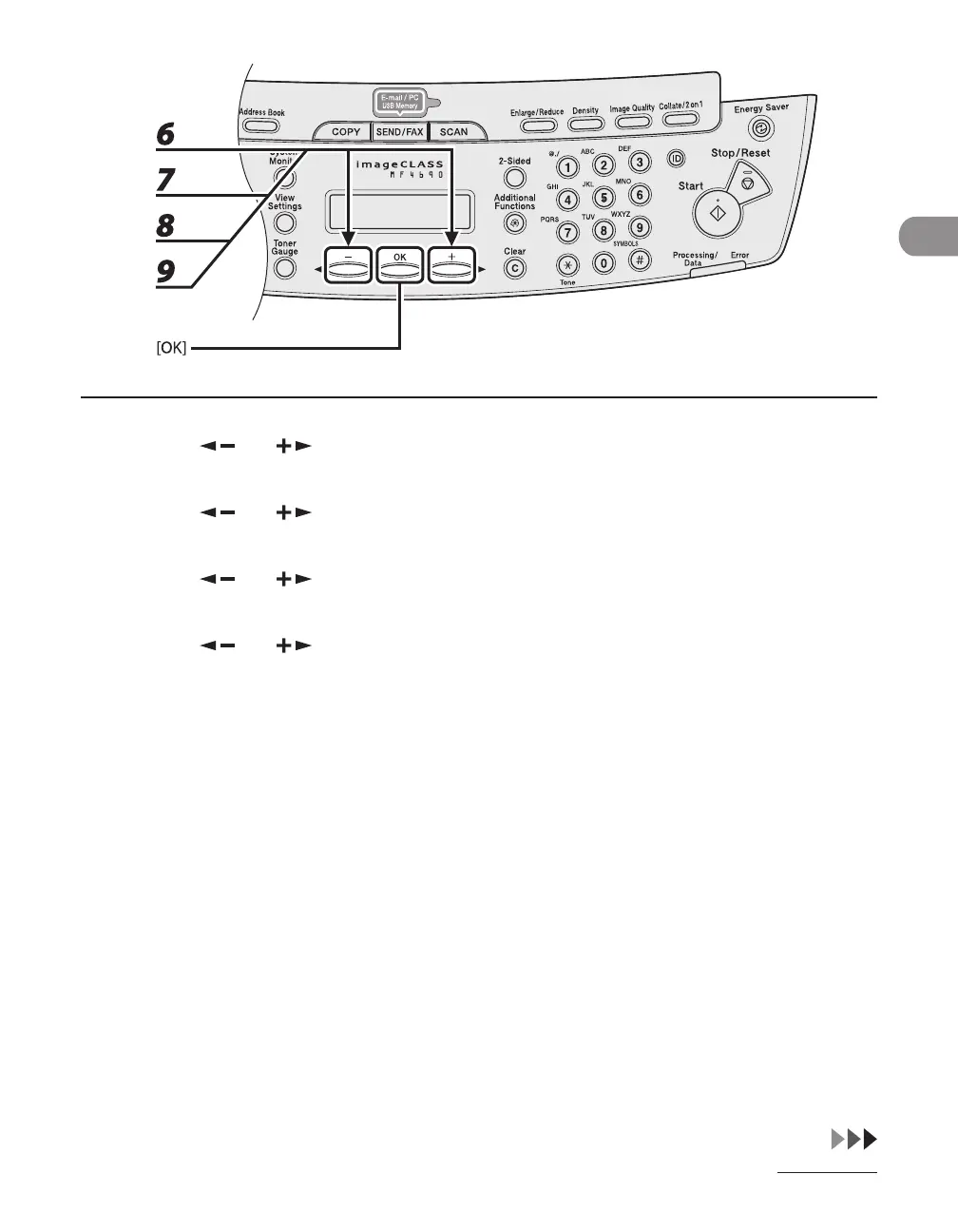
6 Press [ ] or [ ] to select <MONTH>, then press [OK].
7 Press [ ] or [ ] to select the month, then press [OK].
8 Press [ ] or [ ] to select <WEEK>, then press [OK].
9 Press [ ] or [ ] to select the week, then press [OK].










 To Next Page