2-13
Document and Paper
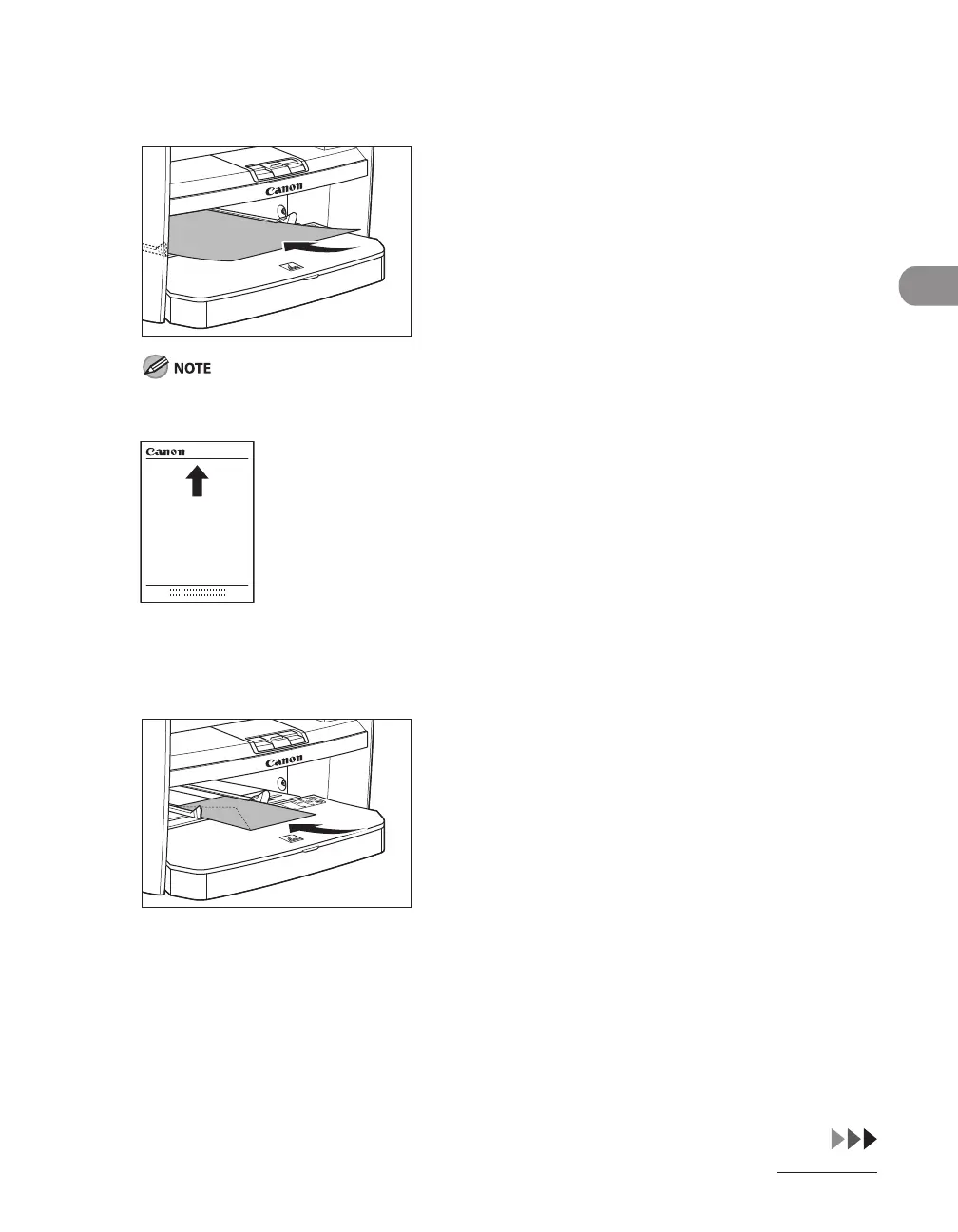
2 When setting paper, gently insert the paper into the multi-purpose tray with
the print side up.
When you load paper with a logo on, position the paper with the print side up (logo side) and insert it
so that the top of the paper feeds first in the multi-purpose tray.
When setting an envelope, gently insert the envelope into the multi-purpose
tray with the print side up and the right edge (i.e., closer to the stamp) first.










 To Next Page