Document and Paper
2-16
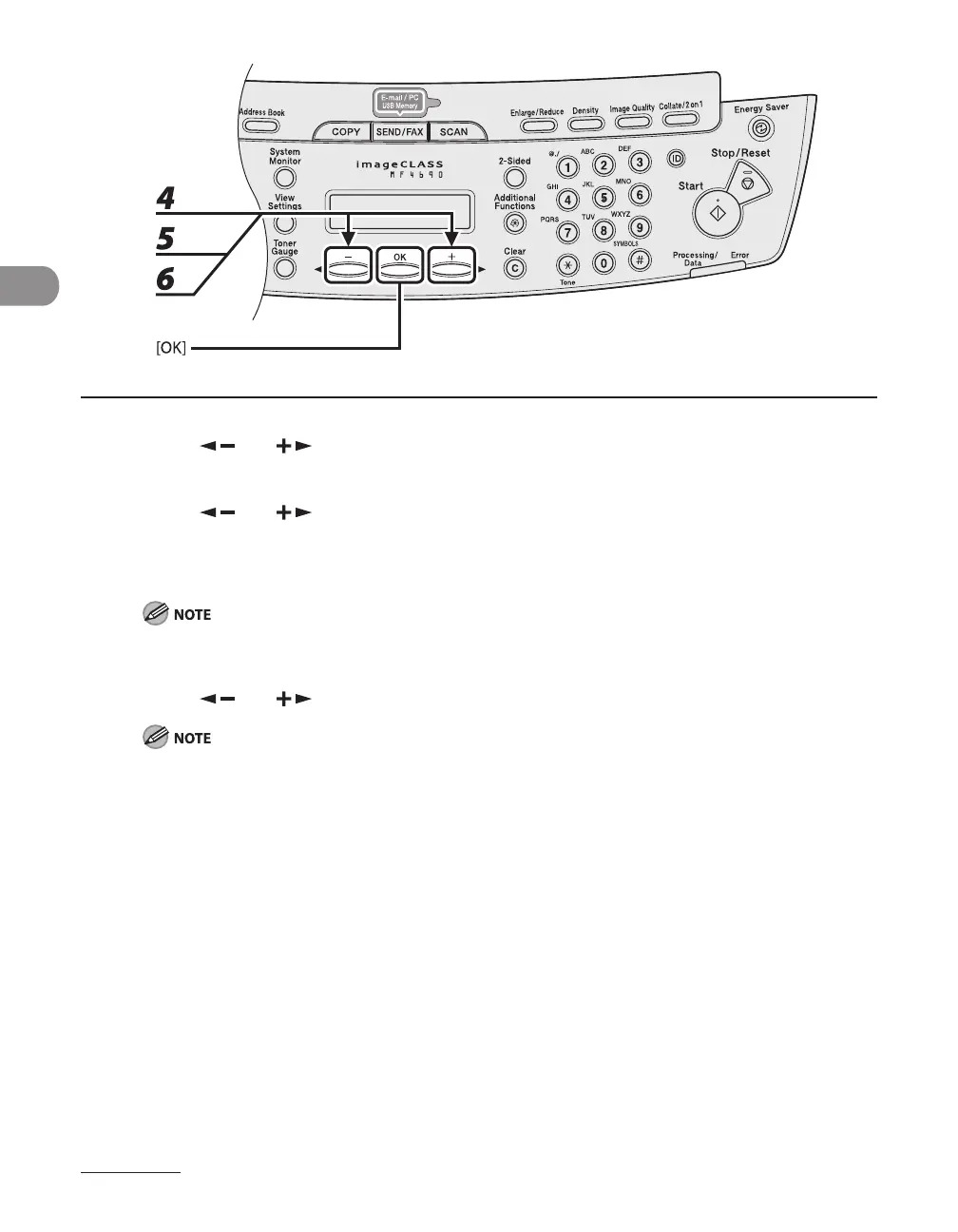
4 Press [ ] or [ ] to select <PAPER SIZE>, then press [OK].
5 Press [ ] or [ ] to select the paper size, then press [OK].
You can select from the following paper sizes:
<LTR>, <LGL>, <A4>, <B5>, <A5>, <EXECUTIV>, <COM10>, <MONARCH>, <DL>, <ISO-C5>, <OFICIO>,
<BRAZIL-OFICIO>, <MEXICO-OFICIO>, <FOLIO>, <G-LTR>, <G-LGL>, <FLSP>
The paper sizes available will vary depending on the country where the unit was purchased.
6 Press [ ] or [ ] to select <SELECT PAPER TYPE>, then press [OK].
If you have selected <B5>, <A5>, <EXECUTIV>, <COM10>, <MONARCH>, <DL> or <ISO-C5> for the
paper size in step 5, <SELECT PAPER TYPE> is not displayed. Skip to step 8.










 To Next Page