Turning the Printer On and Off
Turning the printer on
1
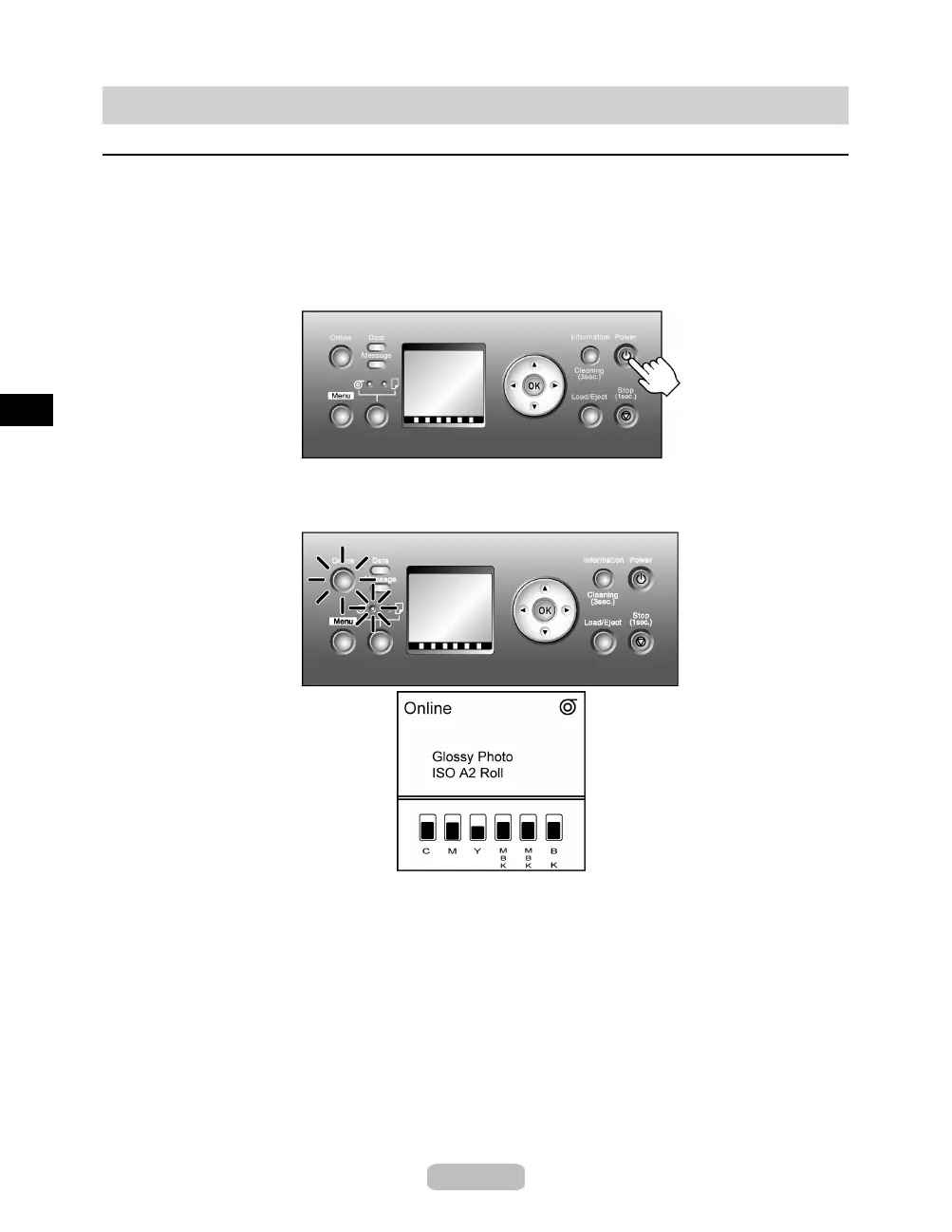
Press the Power button to turn on the printer.
The printer will now start up.
After the Display Screen shows the Canon logo, Starting up... Please wait. is
displayed.
2
The printer goes online in preparation for printing after startup, and the Online lamp
and paper source section lamp remain lit.
The printer will not go online in the following situations. Take action as needed.
•
The Top Cover is open
Close the Top Cover.
•
The Ink Tank Cover is open
Close the InkTankCover.
•
The Printhead is not installed
Install the Printhead. (→"Replacing the Printhead," U ser Manual)
•
InkTankisnotinstalled
In stall the In k Tanks. (→ P.31)
8















 To Next Page