Printing from Mac OS 9
Printing
After selecting the printer in Chooser from the Apple menu, print by using menus in the
source application.
1
Choose Chooser in the Apple menu to display the Chooser wi
ndow.
2
In the list at left, click GARO Printer Driver .
3
In the Destination list at right, select AppleTalk, and then select the printer i
n
the list below.
4
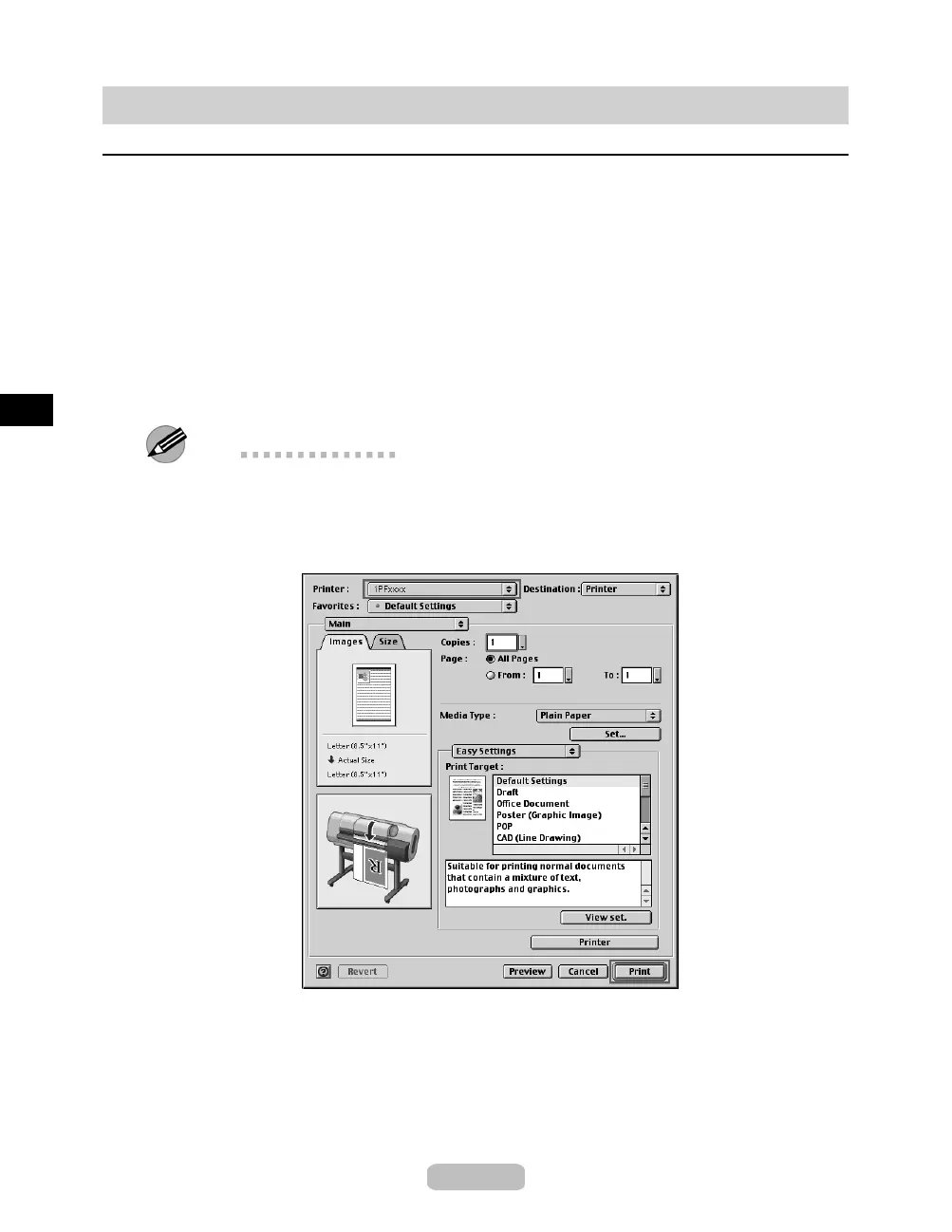
In the application software, select Print from the File menu to display the dialog
box for printing conditions.
Note
•
This dialog box includes basic printing options for the range of pages, number
of copies, and so on. You can also specify enlargement or reduction, borderless
printing, and a variety of other print settings. For details, see the User Manual.
5
Make sure the printer is selected in the Printer list.
6
Click Print to start printing.
28















 To Next Page