Cleaning the Printer
Cleaning the Printer Exterior
Clean the printer regularly to maintain better printing quality and help prevent problems.
About once a month, clean the printer ex terior.
1
Tu rn the p rinter off. (→P.8)
2
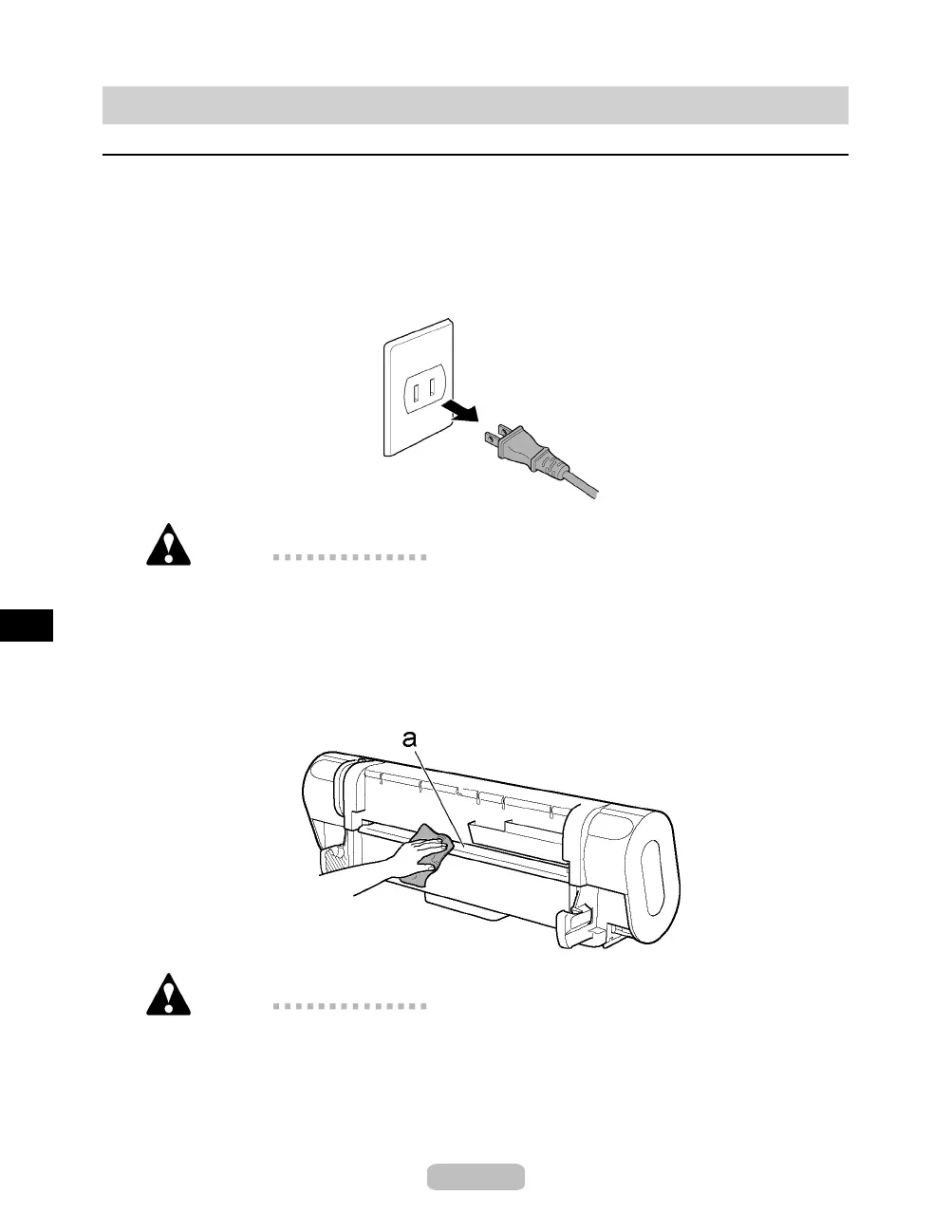
Unplug the p ower cord from the outlet.
Caution
•
Always turn off the printer and unplug the power cord before cleaning or
maintenance. Accidentally leaving the printer on poses a risk of injury if you
touch moving parts inside the printer.
3
Using a damp cloth that you have wrung out completely, wipe away any dirt or
paper dust from the Paper Feed Slot (a),powercordplug,andsoon. Drythese
partswithadrycloth.
Caution
•
Never use flammable solvents such as alcohol, benzene, or thinner. If these
substanc es come into contact with electric al components insid e the printer,
there is a risk of fire or electrical shock.
38















 To Next Page