Loading a Roll
Note
•
For details on supported sizes and types of the roll that can be loaded, see the Paper
Reference Guide.
•
Cut the edge of the roll p aper if it is uneven, d irty, or has tape residue.
Uneven, dirty, or sticky edges may cause feeding problems and affect the printing quality.
Be careful not to c ut through any barcodes printed o n the roll.
•
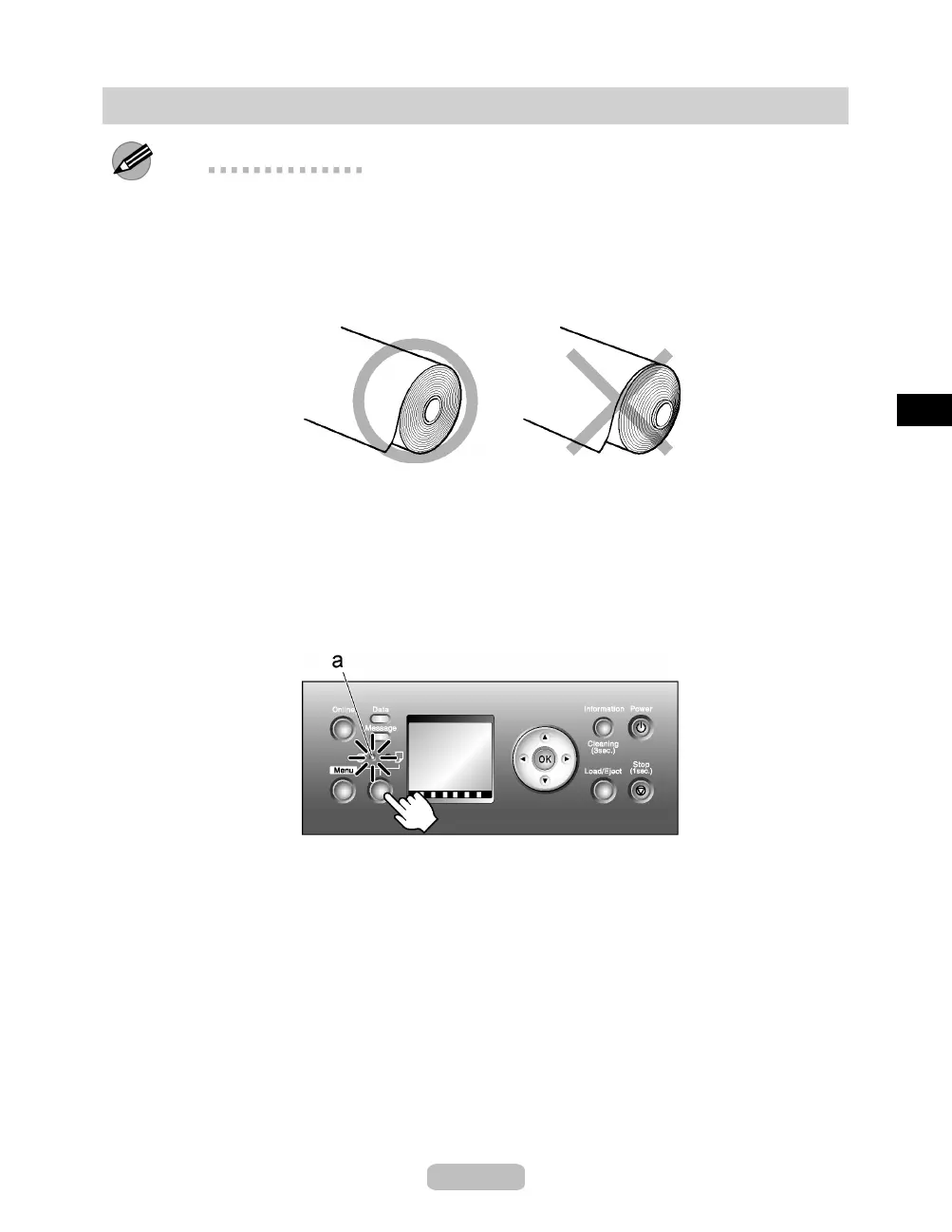
Wi nd u p th e ro ll so that the edge is even across the roll.
•
After pressing the Load/Eject button , you can refer to instructions on the Display
Screen as you load the paper.
1
You can switch the paper source between the roll and the sheet by pressing the
Feeder Selection button. Each time you press this button, the paper source switches
between the roll (indicated by the Roll Media lamp ) and the sheet (indicated by
the Cut Sheet lamp ).
Press the Feeder Selection button to activate the Roll Media lamp (a).
11















 To Next Page