Clearing Jammed Roll Paper
If roll paper jams, follow the steps below to remove jams.
Caution
•
Remove any jammed paper promptly.
1
Tu rn the p rinter off. (→P.8)
2
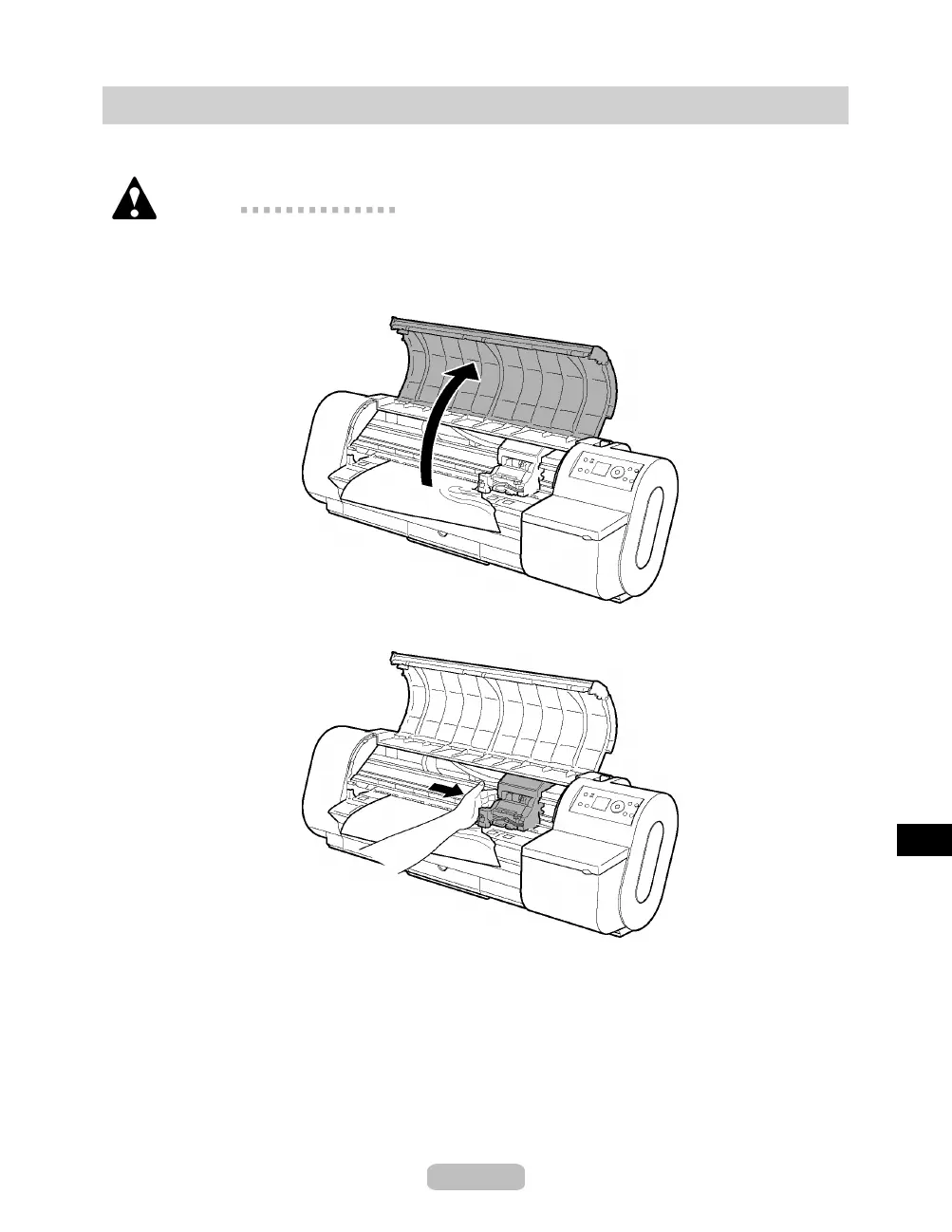
Open the To p Co ve r.
3
If the Carriage is out, move the Carriage to separate it from the paper.
73















 To Next Page