Clearing Jammed Roll Paper
Important
•
If you push the Carriage to the left edge, th e blade o f the Cut
ter Unit will be
lowered in preparation to cut the paper. Be careful not t o p inch yo ur fingers between
the Carriage and Platen if you have pushed the Carriage totheleftedgeorifa
paper jam occurs during cutting.
•
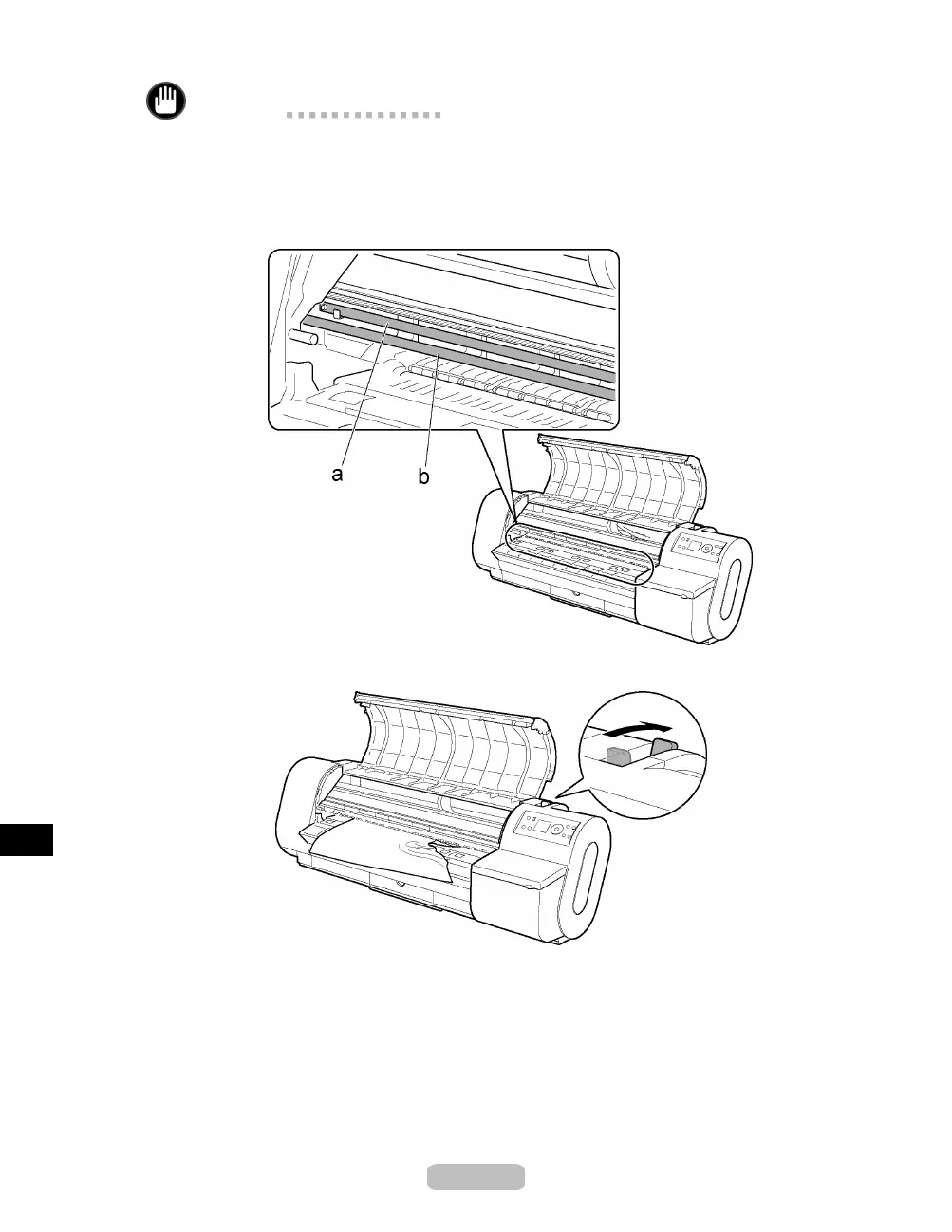
Do not touch the Linear Scale (a) or Carriage Shaft (b).
4
Push the Release Lever back.
74















 To Next Page