Clearing Jammed Roll Paper
5
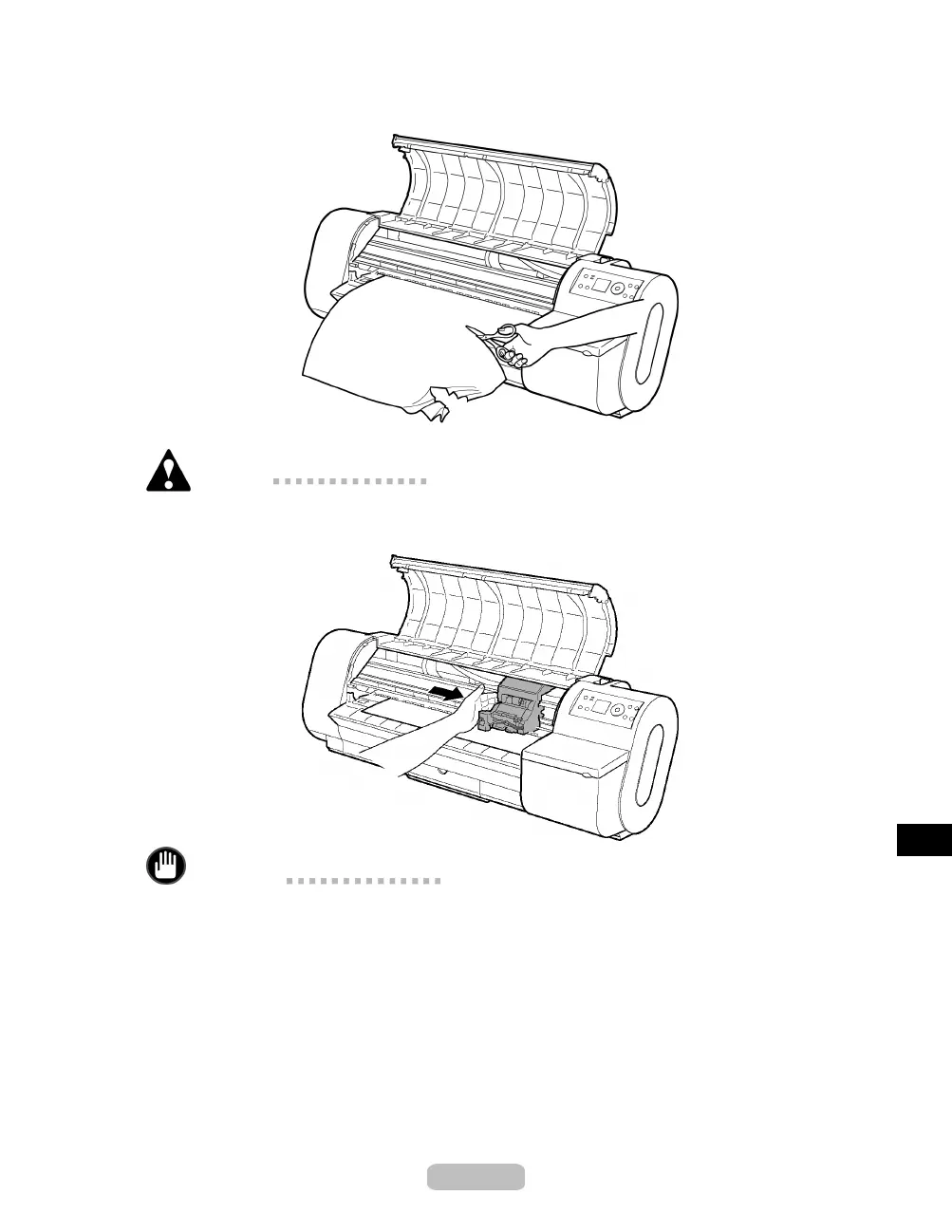
Holding the paper on both sides, pull the jammed portion out toward the front. Use a
scissors to cut away the printed or wrinkled portion.
Caution
•
When cutting paper, be careful to avoid scratching the printer.
6
If the Carriage is on the left, move the Carriage to the right until it stops.
Important
•
Always move the Carriage to the right side. If the Carriage is on the left, a
Carriage error may occur w hen you turn on the printer.
75















 To Next Page