Clearing Jammed Roll Paper
7
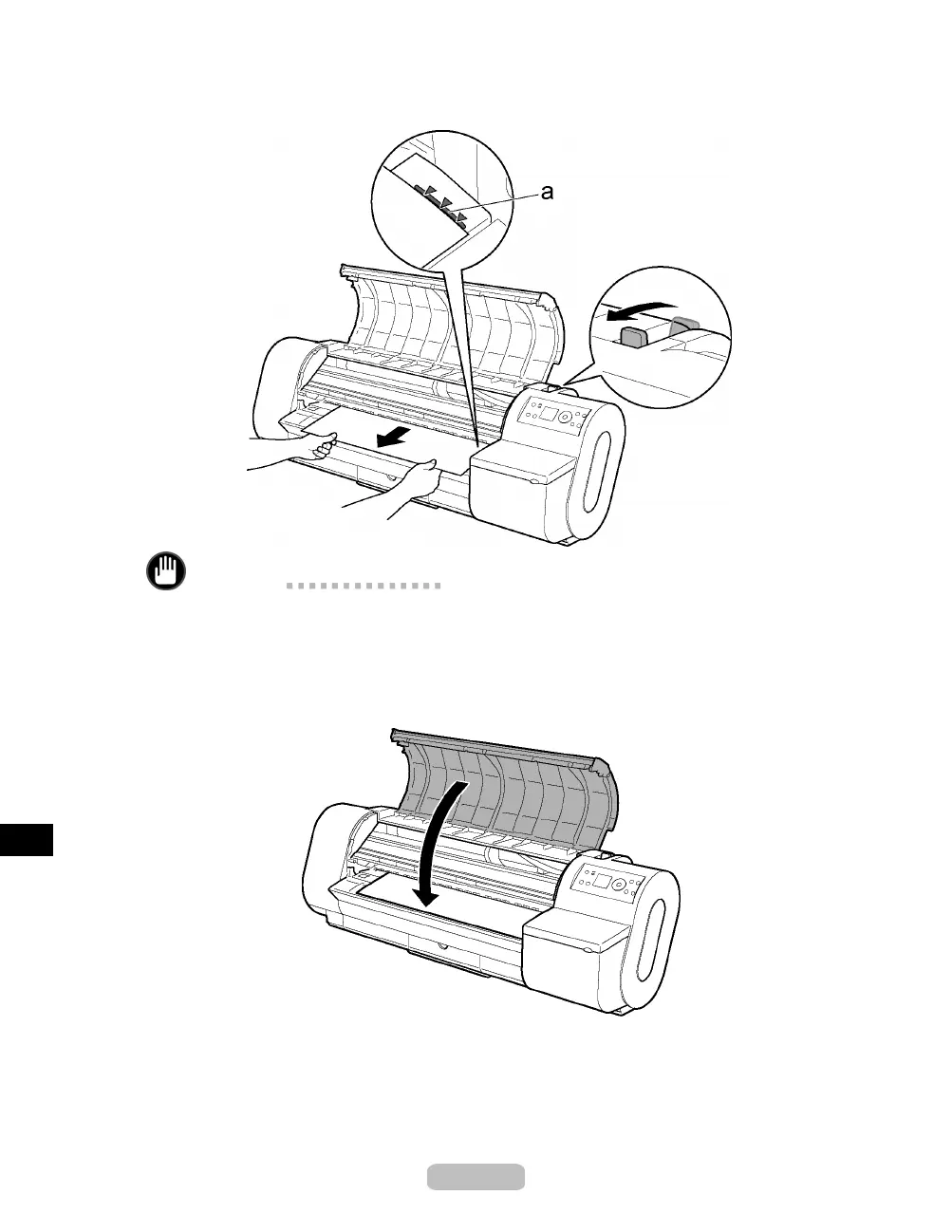
Pull the roll edge gently and align it with the Paper Alignment Line (a). Lower the
Release Lever toward the front.
Important
•
Do not force the roll paper into alignment with the Paper Alignment Line (a). This
may prevent the paper from bein g adv anced straight.
•
The am ount of paper pulled from the roll corresponds to th e margin of the leading
edge.
8
Close the Top Cover.
9
Tu rn the printer on. (→P. 8)
The roll is now advanced. After it is finished being advanced, you can resume
printing.
76















 To Next Page