Printing from Mac OS X
Printing
Print from t he application m enu after registering the printe r.
Before printing, you must register th e printer in P r i nt er Setup Ut il ity (or Print Center ).
For instructions on registering the printer, see t he User Manual. (→"Co nfiguring the Printer
Driver Destination (M acintosh)," User Manual)
1
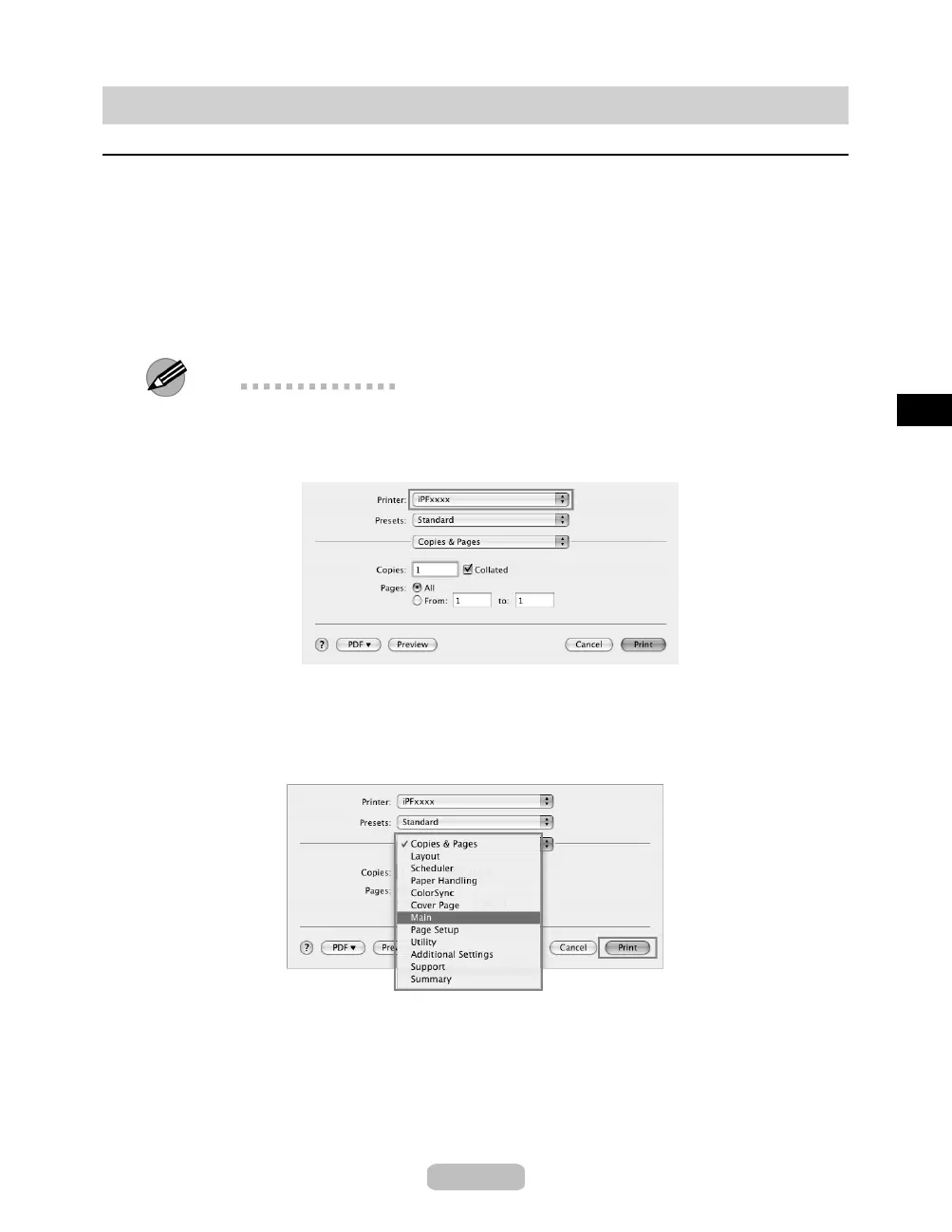
In the application software, select Print from the File menu to display the dialog
box for printing conditions.
Note
•
This dialog box includes basic printing options and enables you to choo se the printer,
specify the range of pages, numb er of copies, and so on.
2
Select the printer in the Printer list.
3
Click Print to start printing.
As shown in the followi ng illu strat ion , you can switch to other panes in this dialog box to
complete settings for various methods of printing, including enlarged and reduced printing,
borderless printing, and so on.
25















 To Next Page