Printing from Mac OS X
Canceling print jobs
You can cancel print jobs in imagePROGRAF Printmonitor.
1
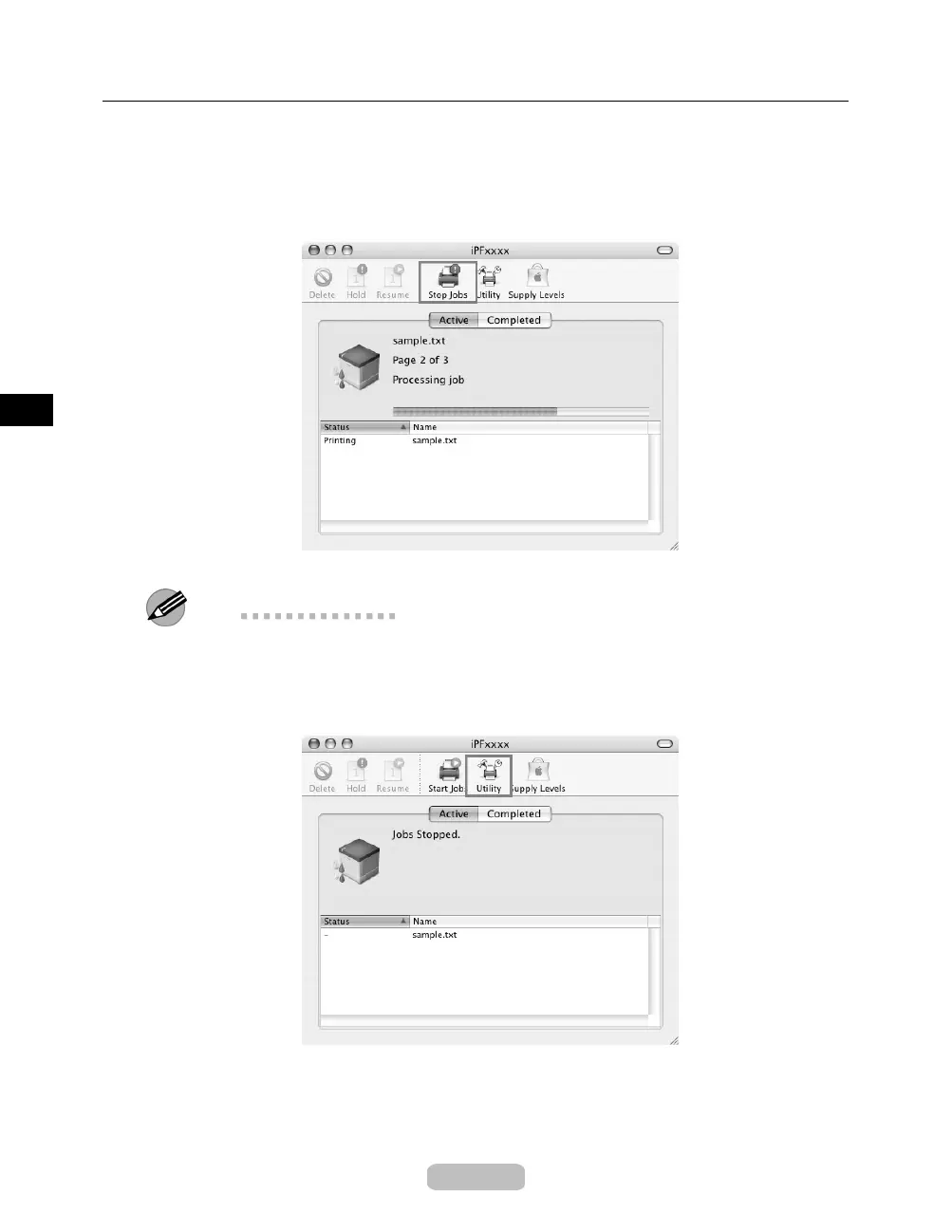
ClicktheprintericonintheDock to display the printer window.
2
Click Stop Jobs to stop printing.
In this window, you can cancel jobs sent to the printer.
Note
•
The print job is displayed on the printer’s screen during the transmission of pri
nt data
from the computer. When the transmissio n is completed, the job is not displaye d
even during printing.
3
Click Utility to display imagePROGRAF Printmonitor.
26















 To Next Page